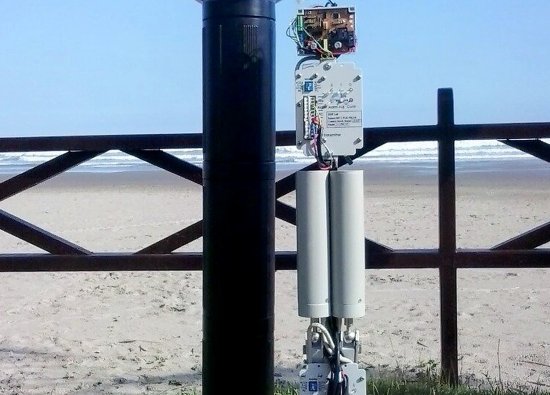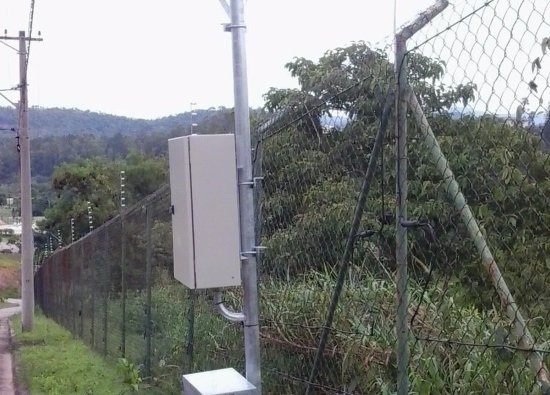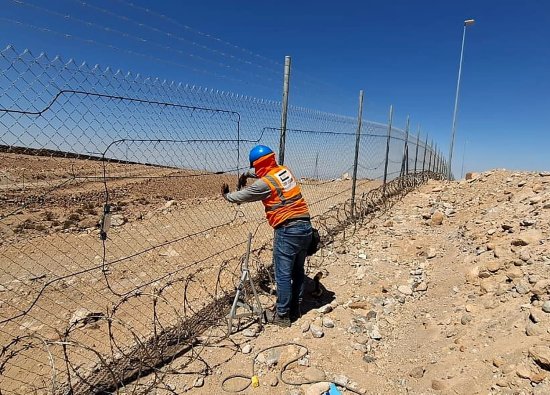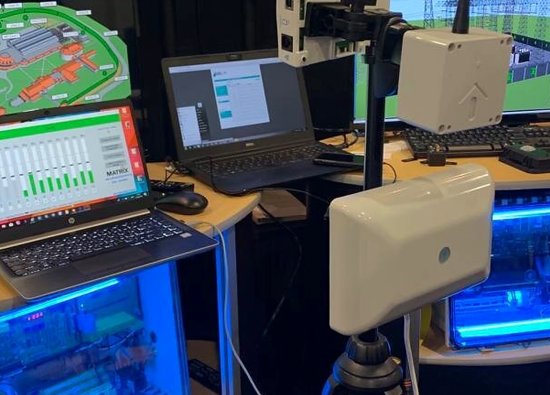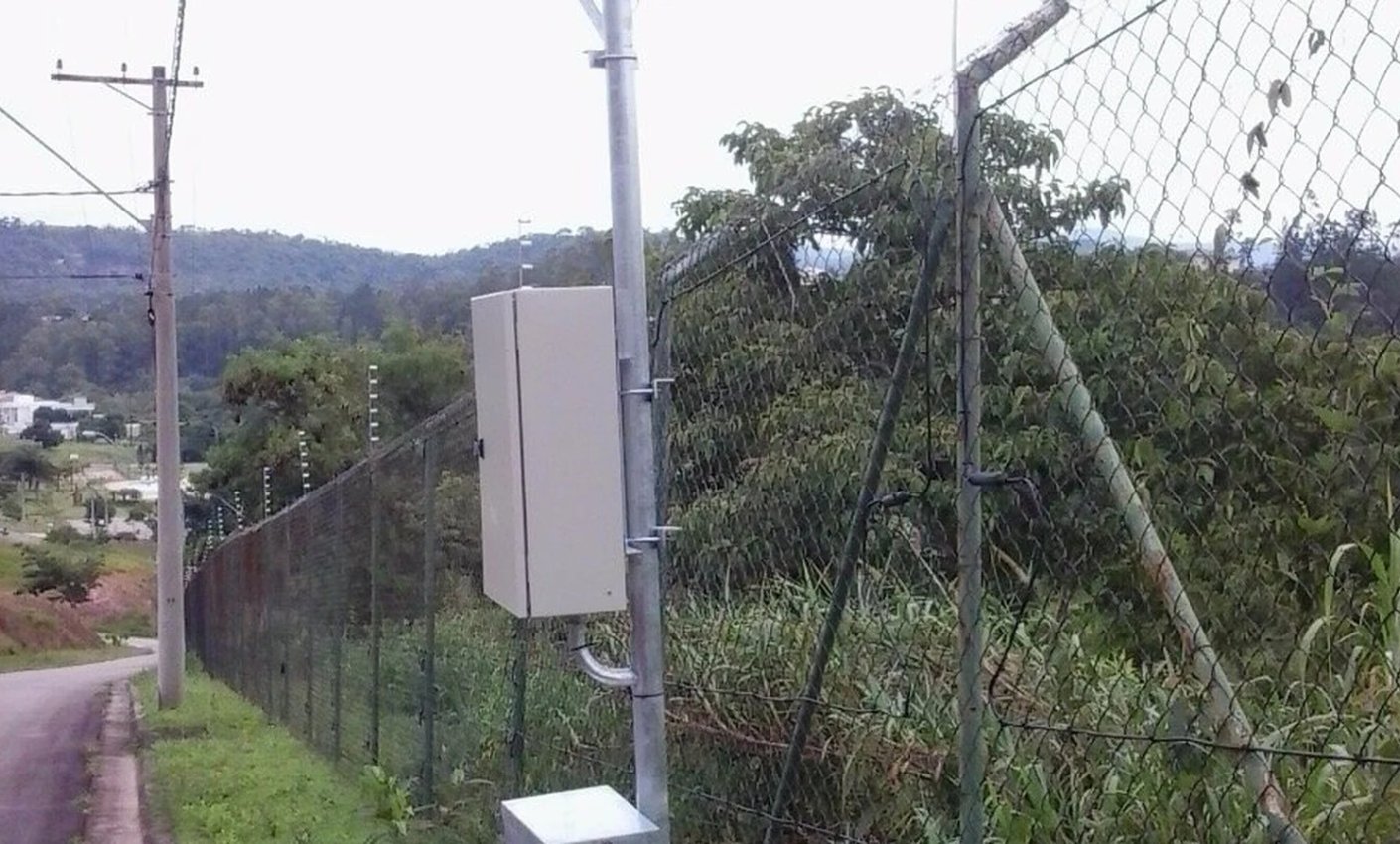
Traditional burglar alarms usually react at the building. A perimeter alarm system adds an earlier layer by detecting activity at a fence, gate, driveway, yard, or restricted outdoor corridor—before a person reaches a door or window.
Security Install US provides perimeter alarm system design, installation, and integration in Miami for residential, commercial, and managed properties. Each project is built around the site’s real boundary, nuisance conditions, verification needs, and response plan rather than a one-size-fits-all sensor package.
Detect intrusion at the boundary
Early detection creates time to verify an event and start an appropriate response while the activity is still outside the protected building. The useful question is not simply whether motion occurred, but where the boundary was crossed and what should happen next.
A perimeter design divides the property into understandable zones such as the vehicle gate, pedestrian gate, north fence, loading yard, side passage, equipment area, or waterfront edge. Clear zone names help an owner, guard, monitoring operator, or property manager connect an alert to the correct camera and location.
- Homes: side yards, backyards, driveway approaches, gates, and outdoor equipment areas.
- Commercial properties: storage yards, loading areas, vehicle lots, exterior inventory, and restricted service corridors.
- Managed communities: perimeter fences, pedestrian entries, amenity boundaries, and after-hours access points.
- Critical sites: selected fence sectors, remote assets, and approach routes that require immediate verification.

Match detection to the site
No single outdoor detector is ideal for every fence, driveway, wall, landscape, or weather condition. A site survey should identify the intrusion behavior to detect, physical mounting options, clearances, terrain, animals, vegetation, traffic, water, and other nuisance sources.
| Technology | Typical role | Design focus |
|---|---|---|
| Fence vibration | Detect climbing, cutting, or disturbance on selected fence sectors | Fence condition, fabric tension, gates, loose hardware, vegetation, zoning, and calibration |
| Infrared or beam | Create a defined crossing line for a driveway, corridor, wall, or open boundary | Alignment, mounting stability, line of sight, object height, landscaping, and service access |
| Microwave | Create a detection field along an outdoor approach or restricted lane | Field shape, terrain, moving objects, adjacent traffic, mounting, and overlap between zones |
| Thermal detection | Support detection or verification when visible-light conditions are limited | Scene geometry, target size, environment, analytics, and the required level of identification |
| Camera analytics | Classify or verify activity in defined outdoor zones | View, lighting, obstructions, image quality, detection rules, recording, and human review |
Hybrid designs are often more practical than forcing one technology across the entire boundary. A stable beam may fit a controlled driveway, fence vibration may protect selected fence sectors, and camera verification may help operators distinguish a person from weather, vegetation, or routine property activity.
Work with Security Sensor technology
Security Install US works with Security Sensor as a perimeter-protection technology partner. The partnership supports property-specific solutions that combine professional detection equipment with installation, integration, monitoring workflows, and future service.
Security Sensor LLC presents perimeter protection as an early-detection layer for residential and commercial properties. Its portfolio covers vibration-based perimeter detection, microwave sensing, video surveillance integration, access control, smart automation, monitoring software, and modernization of existing systems.
- Technology selection: equipment is matched to the boundary and threat scenario instead of sold as a generic bundle.
- Integration: sensor events can be associated with cameras, alarms, access control, lighting, sirens, notifications, or operator software.
- Modernization: existing perimeter equipment and infrastructure can be surveyed for repair, expansion, replacement, or integration.
- Operational planning: the design includes who receives an event, how it is verified, and what response is authorized.
The value of a technology partner is not a logo on a proposal; it is access to suitable detection options and practical support when a property has unusual distances, fence types, terrain, communication paths, or integration requirements. Security Install US remains the contractor responsible for translating those capabilities into a serviceable site design.

Verify every actionable event
A perimeter alert becomes more useful when the responsible person can quickly understand the location, see relevant video, and follow a defined response procedure. Verification should be designed before installation rather than added after nuisance alerts become a problem.
Camera views should correspond to alarm zones and preserve the approach path, not just show a close-up of the detector. When an event occurs, the system can initiate recording, move an operator to the correct camera, activate approved lighting or audio, notify designated users, or pass the event to monitoring personnel according to the property’s rules.


Design for Miami conditions
Outdoor detection in South Florida must account for heavy rain, heat, humidity, fast-growing vegetation, insects, animals, irrigation, corrosion exposure, changing sunlight, and storm-related movement. Reliability comes from technology selection, physical installation, zoning, calibration, and maintenance working together.
- Stabilize mounts and align devices on structures appropriate for the selected equipment and site.
- Protect approved connections, cable routes, enclosures, and power components from water entry and physical damage.
- Keep vegetation out of detection corridors and camera views through a documented landscape-maintenance plan.
- Separate public roads, neighboring activity, moving gates, flags, water, and routine vehicle paths from critical detection zones where possible.
- Use schedules, access-control status, camera verification, and zone logic to distinguish expected activity from a security event.
- Inspect the perimeter after storms, fence work, gate repairs, landscaping changes, or construction that can alter alignment and coverage.
False-alarm reduction should not mean turning sensitivity down until the system stops detecting the intended event. Commissioning should reproduce realistic crossing, climbing, approach, and authorized-use scenarios, then adjust the technology and zone logic based on observed results.
Commission the response plan
A completed installation should leave the property with tested zones, documented event names, verified camera views, trained users, and a maintenance path. The project is not finished when every device merely appears online.
- Survey the boundaryMap fences, gates, open approaches, buildings, utilities, terrain, nuisance sources, and the assets that require early warning.
- Define zones and responsesName each detection sector and decide which events trigger video, lights, sirens, notifications, monitoring, or an on-site check.
- Install and calibrateMount, align, protect, label, connect, and configure each device according to the approved design and actual site conditions.
- Walk-test day and nightReproduce realistic activity at gates, fences, and approaches; confirm the event location, video evidence, notification path, and authorized response.
- Document and maintainProvide zone maps, account ownership, test records, service access, user training, and an inspection schedule.
Start with the highest-risk or most operationally important zones when a property needs a phased rollout. The system can then be expanded using the same naming, verification, and response standards instead of adding isolated sensors that nobody knows how to interpret.
Frequently asked questions
These are common questions Miami property owners and managers ask when evaluating an outdoor perimeter alarm system.
Is a perimeter alarm the same as a burglar alarm?
No. A burglar alarm commonly protects doors, windows, and interior areas, while perimeter detection adds an outdoor layer at selected boundaries and approaches. The systems can be integrated so an early perimeter event supports the building alarm rather than replacing it.
Can perimeter sensors work on an existing fence?
Often, but the fence type, condition, tension, posts, gates, loose components, vegetation, nearby traffic, and desired detection behavior must be surveyed. Repairing or segmenting the fence may be necessary before reliable calibration is possible.
How are outdoor false alarms reduced?
The design should match technology to the environment, divide the property into practical zones, stabilize and align equipment, control vegetation, calibrate with realistic tests, and use camera verification or operating rules where appropriate. No single sensitivity setting solves every nuisance source.
Can the system trigger cameras, lights, or a siren?
Yes, when the selected equipment and integration design support those actions. The response should be approved and documented so every zone triggers the correct camera, notification, light, siren, recording rule, or monitoring workflow.
Why use Security Sensor technology?
Security Sensor focuses on perimeter protection and integrated security solutions, including vibration, microwave, video, monitoring, access-control, and automation capabilities. Security Install US uses the partner relationship to select and integrate suitable options around the property rather than treating every boundary as the same application.
What happens during a perimeter assessment?
The survey maps the boundary, assets, likely approach routes, fence and gate conditions, nuisance sources, power and communication options, camera views, event zones, and expected response. That information is used to recommend the technologies and project phases that fit the site.
Detect, verify, and respond before the threat reaches the building
Security Install US / System64 can survey your Miami-area perimeter and design an integrated solution using professional detection, verification, and Security Sensor technology.

We design and install cameras, access control, intercoms, and gates for homes and businesses in Miami-Dade. This article comes from the same site surveys we run on driveways, restaurants, and offices — not from a generic kit list.
About the team