A rack can become difficult to service long before it runs out of ports. Unidentified patch cords, blocked equipment access, and undocumented additions make even a small change harder to control. Network rack cleanup in Miami should therefore be planned as a repair and retrofit project, not simply a cosmetic rearrangement.
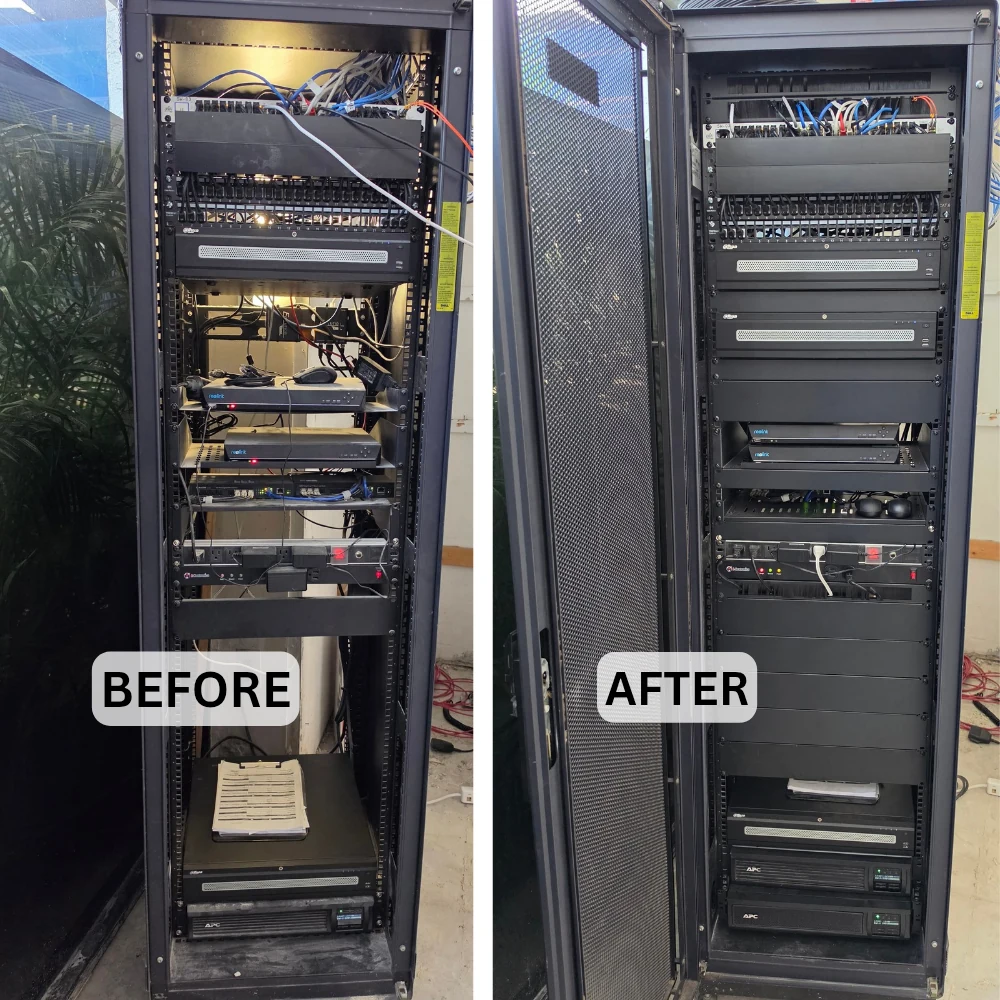
The portfolio before-and-after photograph shows more orderly front-facing patch cords and equipment arrangement in a black rack. It supports a visible organization comparison—not a claim of faster internet, lower temperatures, or fewer outages.
Separate Clutter from the Actual Fault
Begin with the symptoms and affected services. Identify what must be repaired before deciding what should be rearranged or upgraded.
Ask when problems occur, which devices lose service, and whether recent equipment changes preceded them. Record the router, switches, patch panels, power distribution, and any backup-power equipment. Check management access and configuration backups before touching connections.
Inspect loose connectors, damaged patch cords, unsupported equipment, obstructed access, and signs of environmental problems. Keep observations separate from diagnoses: a tangled cable bundle is a maintenance concern, but it does not prove the cause of an intermittent network fault.
Map Connections Before Unplugging
Build a port map while the original connections are still available for reference. Trace unknown cables rather than relying on color or old labels.
Associate each active patch-panel port with its switch port and destination. Record uplinks, powered devices, and connections serving cameras, access control, phones, or other systems that need coordinated downtime. Flag unused-looking cables for investigation; an unlit port is not authorization to remove its cable.
Photograph the original arrangement and record relevant switch settings, including network assignments and PoE configuration. Give the property owner a clear list of affected services and establish a rollback path before scheduling disconnections.
Retain Working Infrastructure Selectively
A cleanup does not automatically require new switches or replacement of every cable. Match each proposed replacement to a fault, compatibility requirement, or documented capacity need.
Separate patch-cord replacement from permanent-cabling repairs. Check damaged terminations and questionable links with the appropriate test method before accepting them for reuse. Fluke Networks distinguishes verification of connectivity, qualification for an intended network technology, and certification against cabling standards; these are different levels of evidence. See Fluke Networks’ explanation of cable testing levels.
For switch upgrades, check supported PoE methods, available power, uplink requirements, management features, and existing configuration dependencies. Specify any required cabling certification explicitly instead of describing a simple continuity check as a certified installation.
Design for the Rack You Actually Have
A full-height rack, open frame, and small wall cabinet need different service layouts. Work from usable space, equipment requirements, and access constraints.
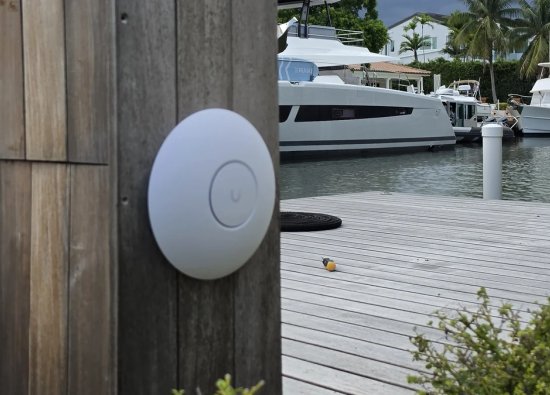
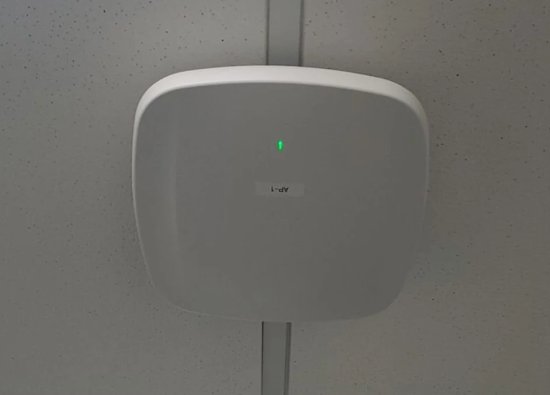
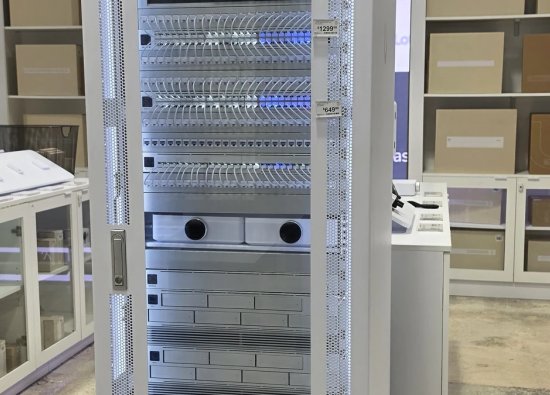
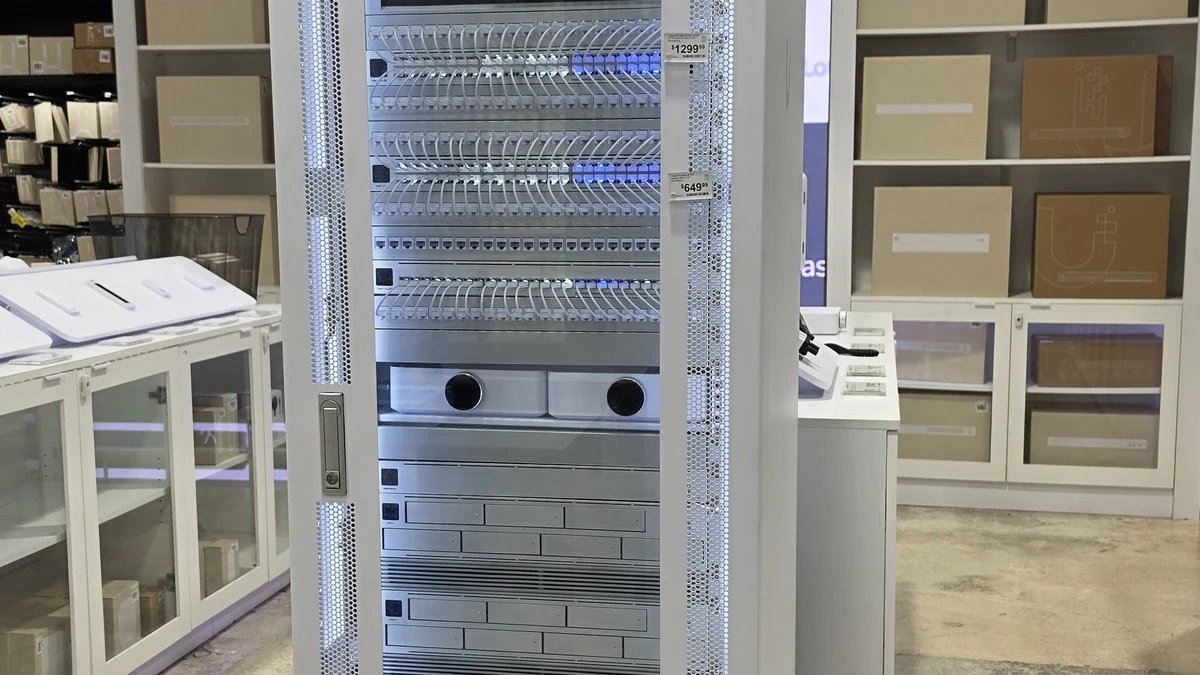
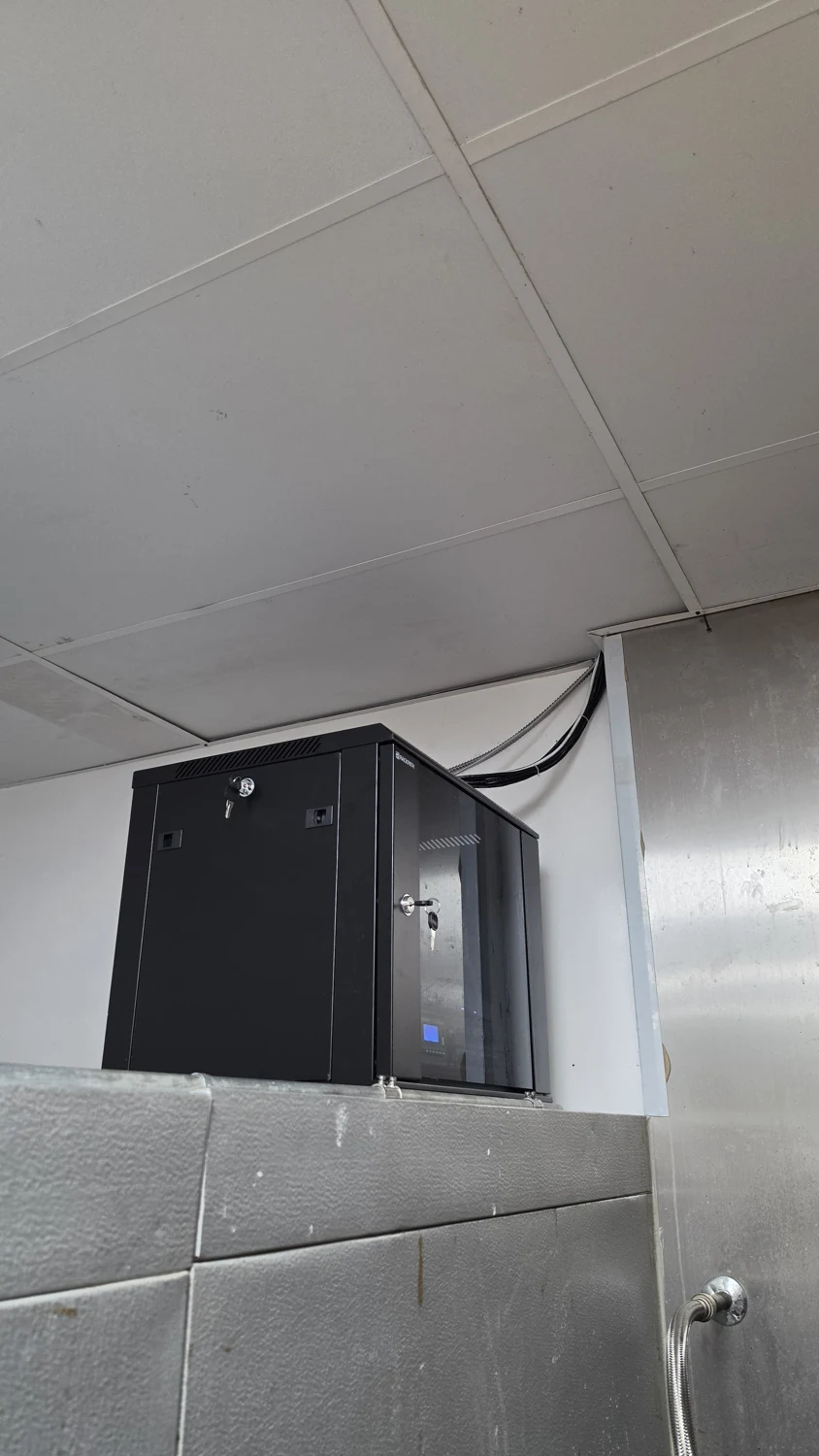
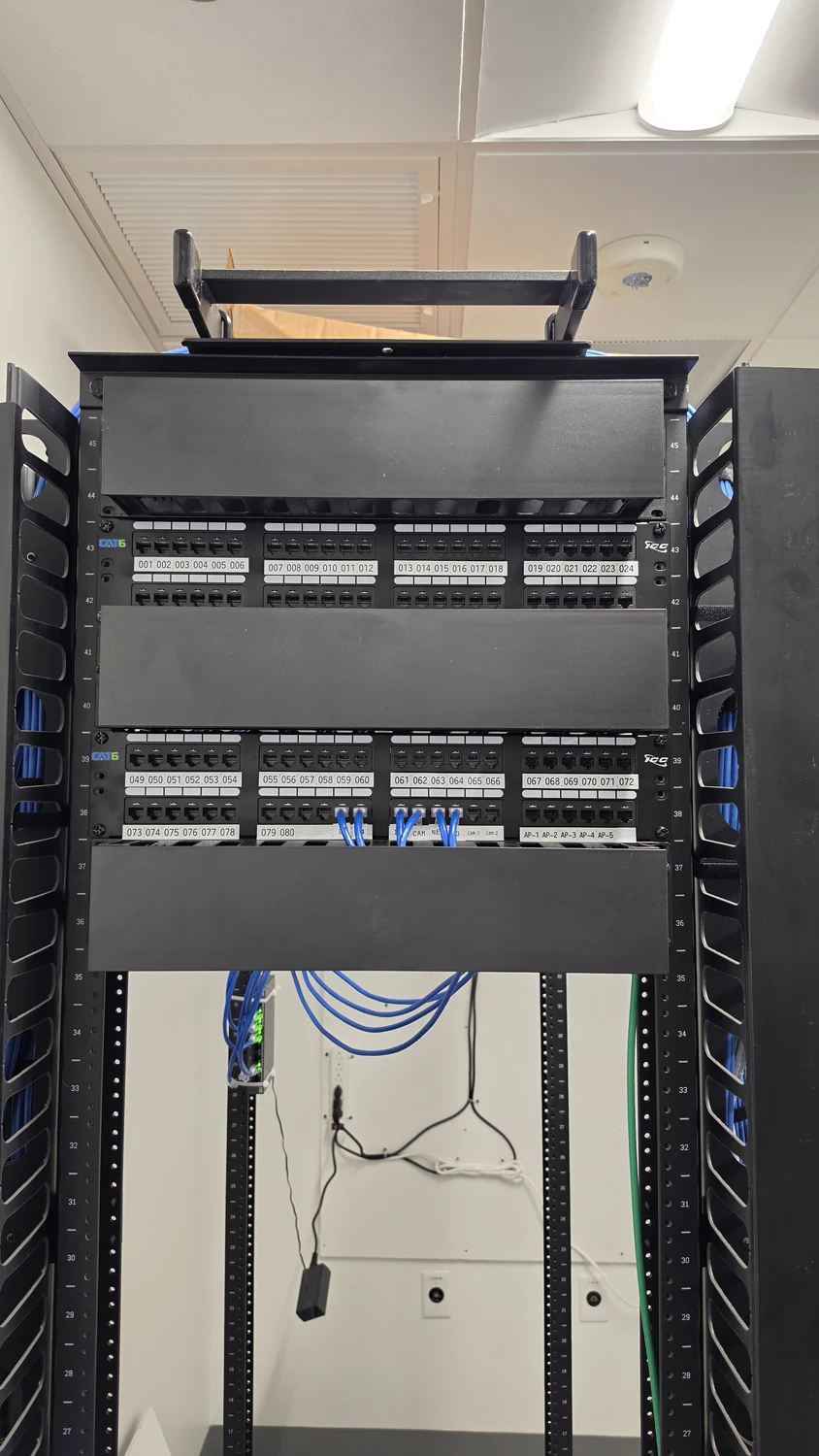
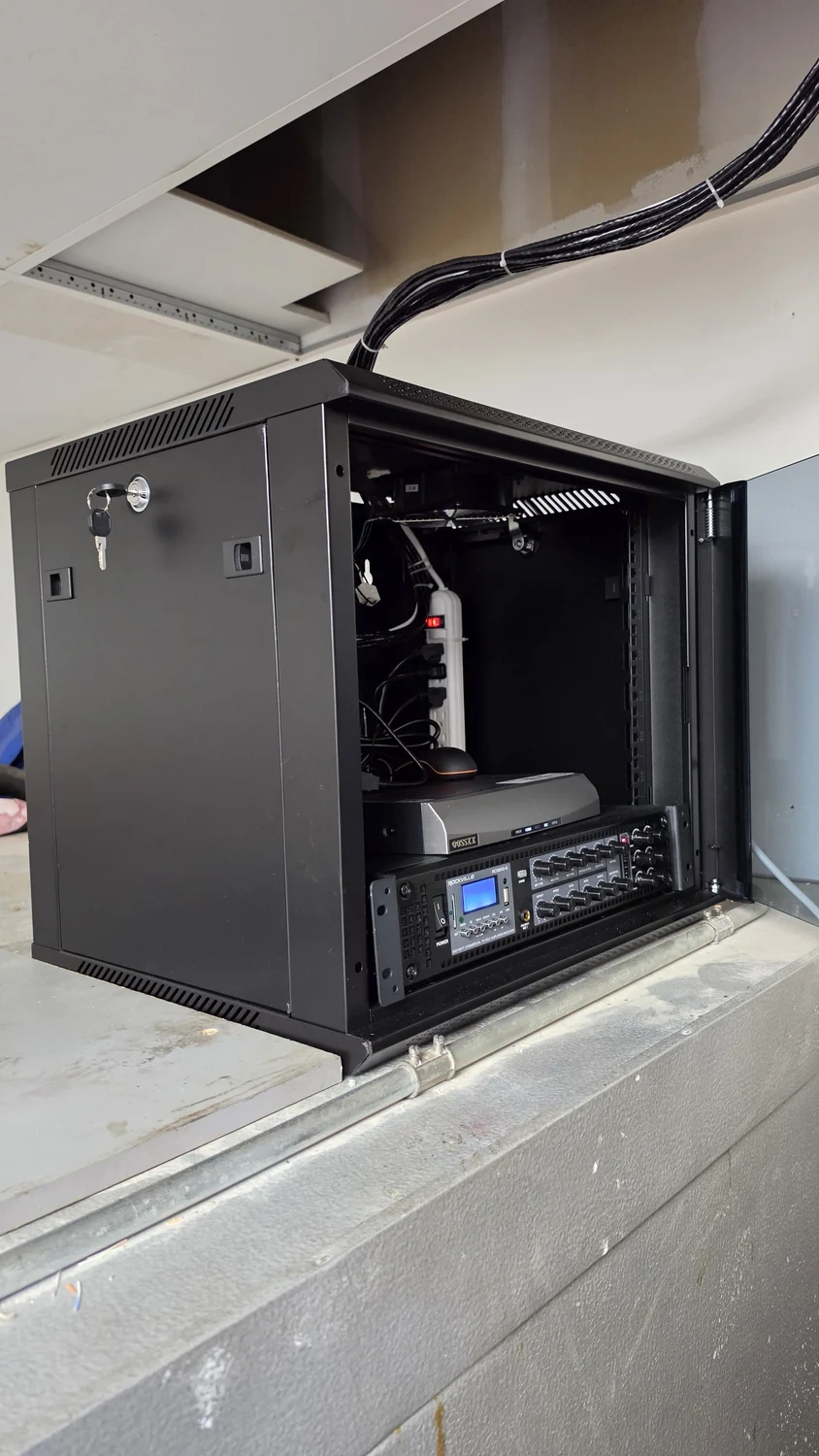
The project images show a white equipment rack, patch panels in a black open frame, and a compact wall cabinet. These are useful format examples, not interchangeable designs or evidence of identical equipment capacity. Check mounting depth, load ratings, door clearance, cable entry, and access to power before selecting replacements.
Choose patch-cord lengths that reach without strain and avoid unnecessary loops. Provide appropriate cable management, preserve manufacturers' bend requirements, and keep labels readable. Check ventilation requirements rather than assuming a neat front view proves adequate cooling.
Make the Cutover Controlled and Reversible
Schedule changes around the services that depend on the rack. Agree on the outage window, decision-maker, and rollback conditions before work begins.
Prepare the new port map and configuration in advance. Repatch in documented groups, checking each group before proceeding, rather than disconnecting everything at once. Keep known-good components available until replacement connections have passed their agreed checks.
Coordinate separately with the responsible provider for monitored or safety-related systems; a network cleanup is not permission to interrupt their communications casually. Record deviations from the plan as they occur, and stop to investigate unexpected behavior rather than concealing uncertainty behind a newly organized rack face.
Verify Services and Deliver the Port Map
Acceptance should cover both the physical work and the services restored after it. A finished photograph is useful documentation, but not a functional test report.
Check expected port connections, negotiated links, PoE device operation, and relevant application access. Include cameras, wireless access points, and other integrated devices in the agreed scope. Save cable-test results at the specified test level and identify links that were not tested.
Deliver the updated port map, equipment inventory, secure configuration handoff, and unresolved-item list. For retrofit planning, review Security Install US / System64's Wi-Fi and network services. Future changes should update the same records instead of starting another layer of undocumented patching.
Frequently asked questions
Practical answers for planning, installation, and ongoing service.
Will organizing the rack make the internet faster?
Not by itself. Cleanup may accompany repair of a damaged connection or an identified equipment bottleneck, but any performance claim needs before-and-after measurements. Appearance alone is not evidence.
Can the cleanup be completed without downtime?
That depends on the connections being moved and the network design. Plan for interruption where active equipment or patching must change, and confirm the affected services before setting the work window.
Do existing cables need to be replaced?
Not automatically. Evaluate their condition, terminations, documented category, and suitability for the intended service. Agree on the test level needed to support reuse and identify any links outside the tested scope.
What should I receive after the work?
Request an updated port map, equipment and configuration records, agreed test results, and a list of remaining issues. Keep administrative credentials in a secure handoff, separate from routine rack labels.
Plan a Serviceable Network Rack in Miami
Ask Security Install US / System64 to inspect the existing rack, identify repair and upgrade priorities, and define a controlled cutover. Share the affected services and access constraints so the scope includes documentation and post-work testing.

We design and install cameras, access control, intercoms, and gates for homes and businesses in Miami-Dade. This article comes from the same site surveys we run on driveways, restaurants, and offices — not from a generic kit list.
About the team