A phone that works beside the patio door may struggle at the seating area or dock. Outdoor Wi-Fi installation in Miami starts by defining those destinations, then checking how each access point will receive data, power, and ongoing service.
Security Install US / System64 can assess the existing network, plan the outdoor connection, and define commissioning checks for the areas that matter. A patio, service area, and waterfront dock create different placement and exposure requirements.
Define the Outdoor Coverage Area
Walk the property with the person who will use the network. Separate essential coverage from areas where occasional access is enough.
Mark patio tables, outdoor work areas, the route toward the water, and the intended dock-use position. Ask whether the goal is browsing, video calls, streaming, or a connected device that must remain online. Record which phones and other clients will be used for acceptance testing.
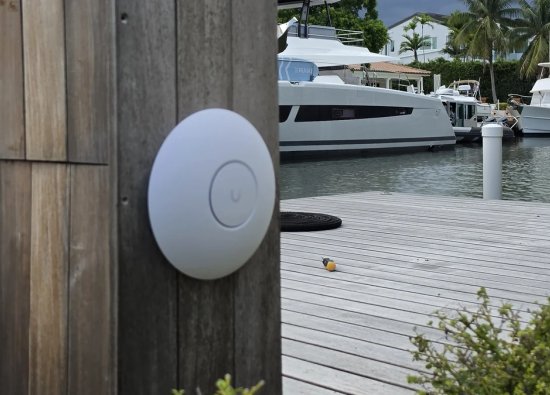
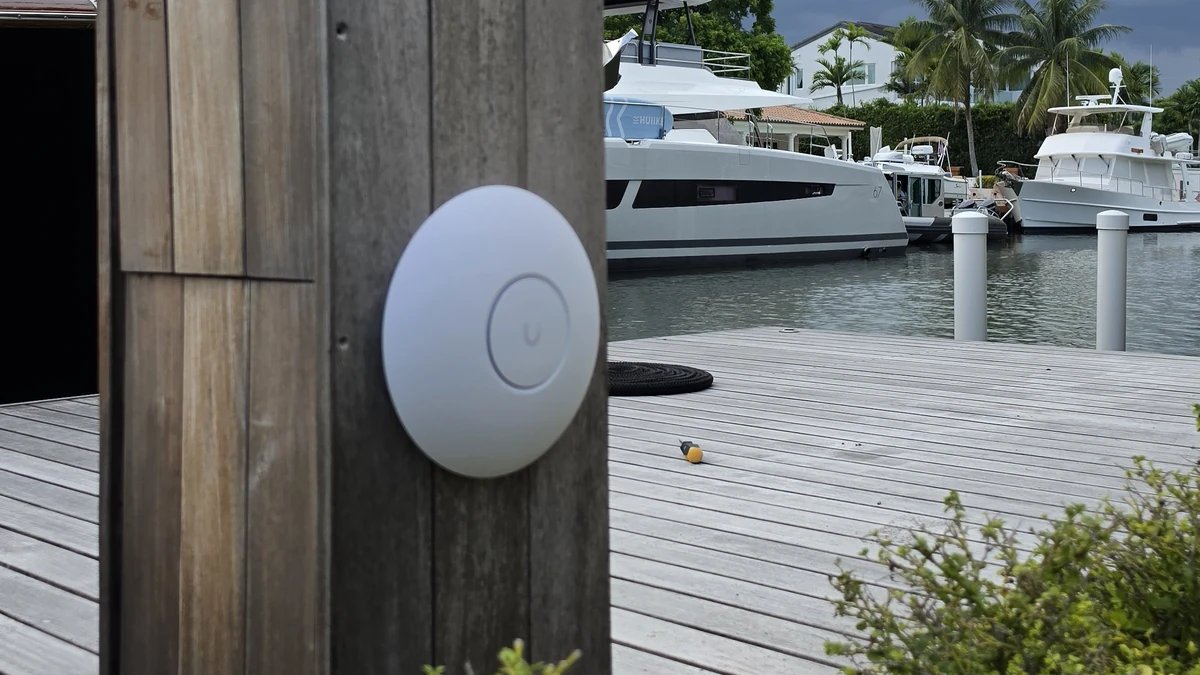
At a waterfront property, include boat positions, landscaping, and doors or shutters in the survey notes. A dock-post mounting location is useful context, but it does not establish coverage inside a boat or across neighboring slips.
Trace the Network Back to Its Source
Confirm the indoor network and outdoor connection path before choosing an access point. An additional radio is not a substitute for diagnosing the existing connection.
Check internet service at the router, available switch ports, cable routes, and the proposed power source. Compare a wired baseline with wireless tests so a provider problem is not mistaken for poor patio coverage. Prefer a wired backhaul where a suitable route can be installed; evaluate a wireless uplink at the actual proposed locations when cabling is impractical.
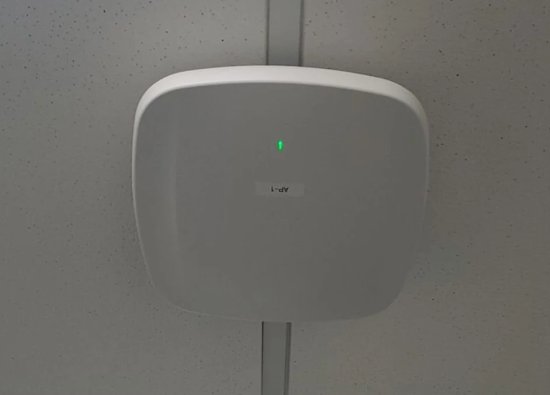
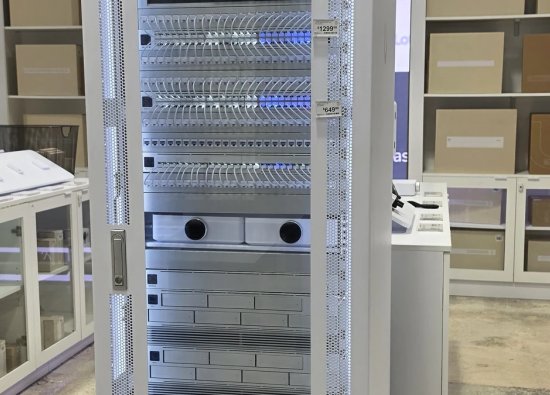
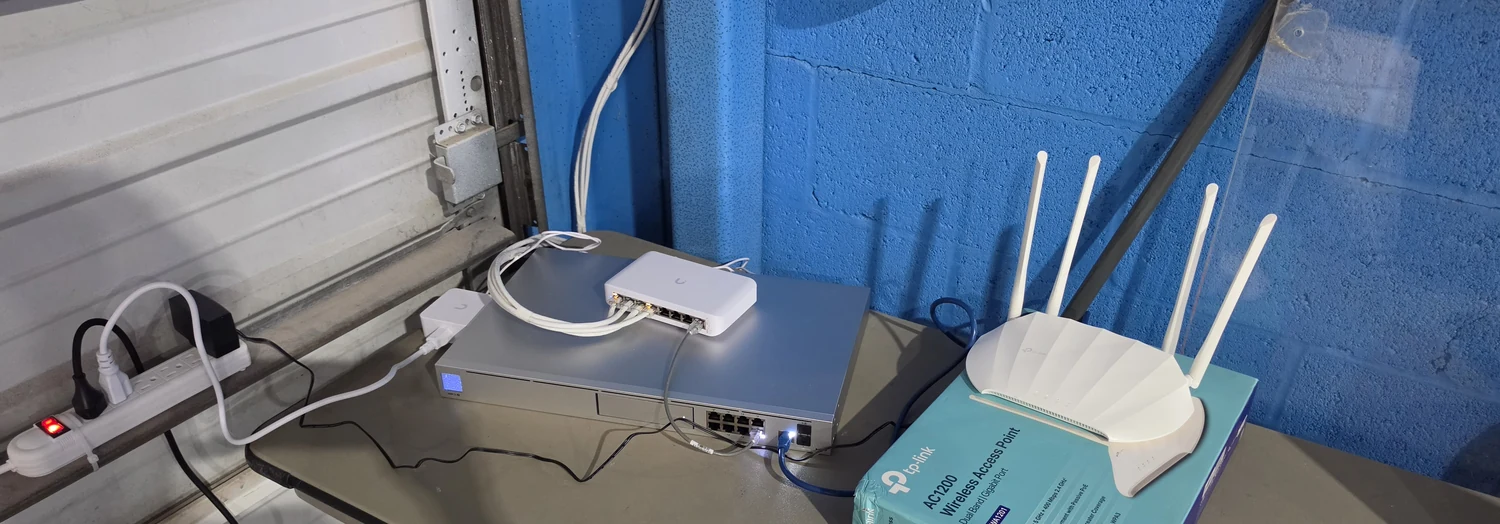
The service-table router photograph illustrates accessible equipment staging. It does not show a final enclosure, confirmed topology, or permanent outdoor installation.
Match Placement to Exposure and Access
Choose mounting positions for both radio coverage and maintainability. Verify environmental suitability from the exact model's documentation, not its shape.
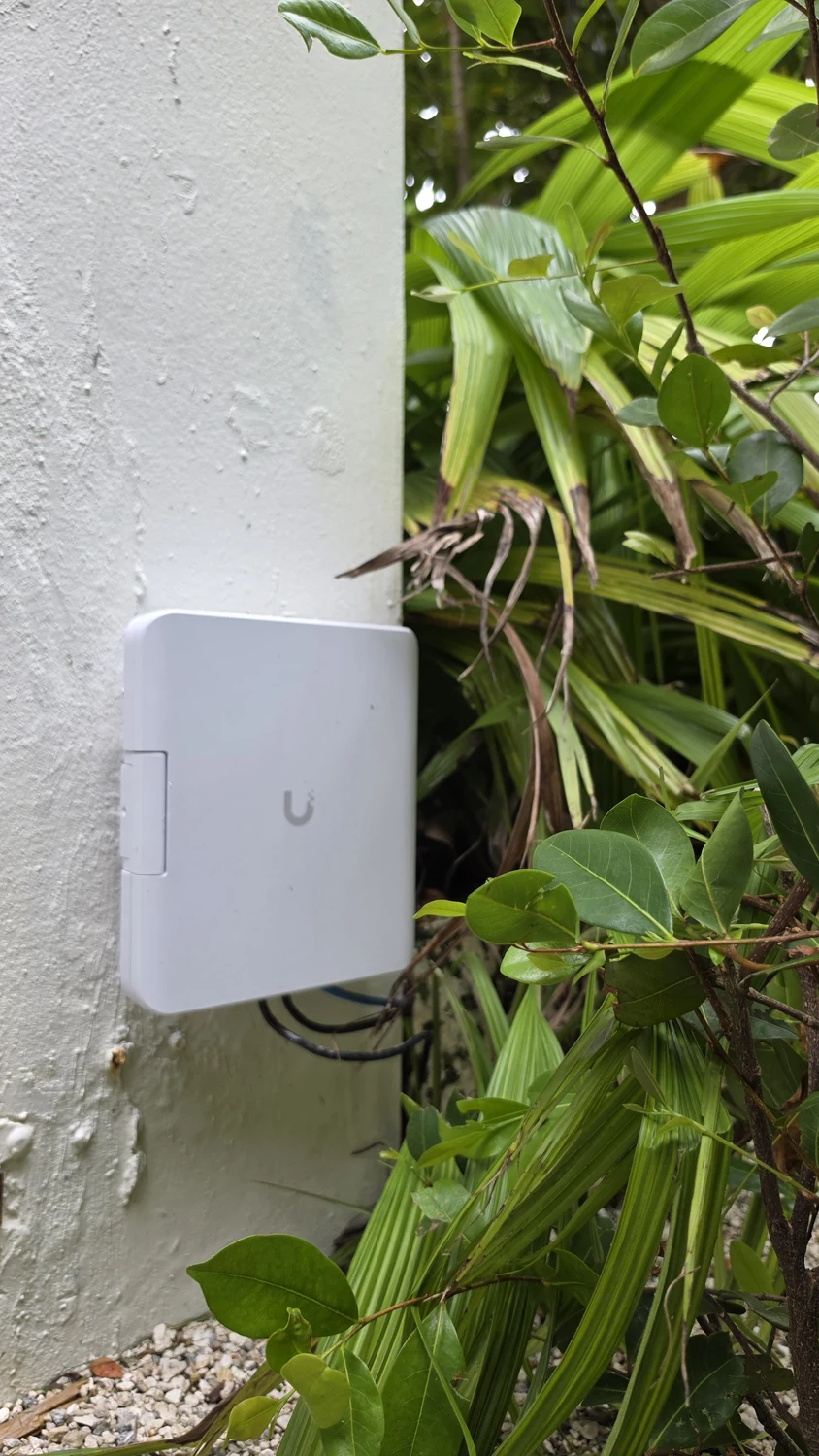
Compare a pillar, wall, or dock post against the survey goals, mounting instructions, cable entry, and access for replacement. Review rain, irrigation spray, direct sun, salt exposure, and potential impact from property maintenance. A sheltered-looking location still needs a documented equipment and connection plan.
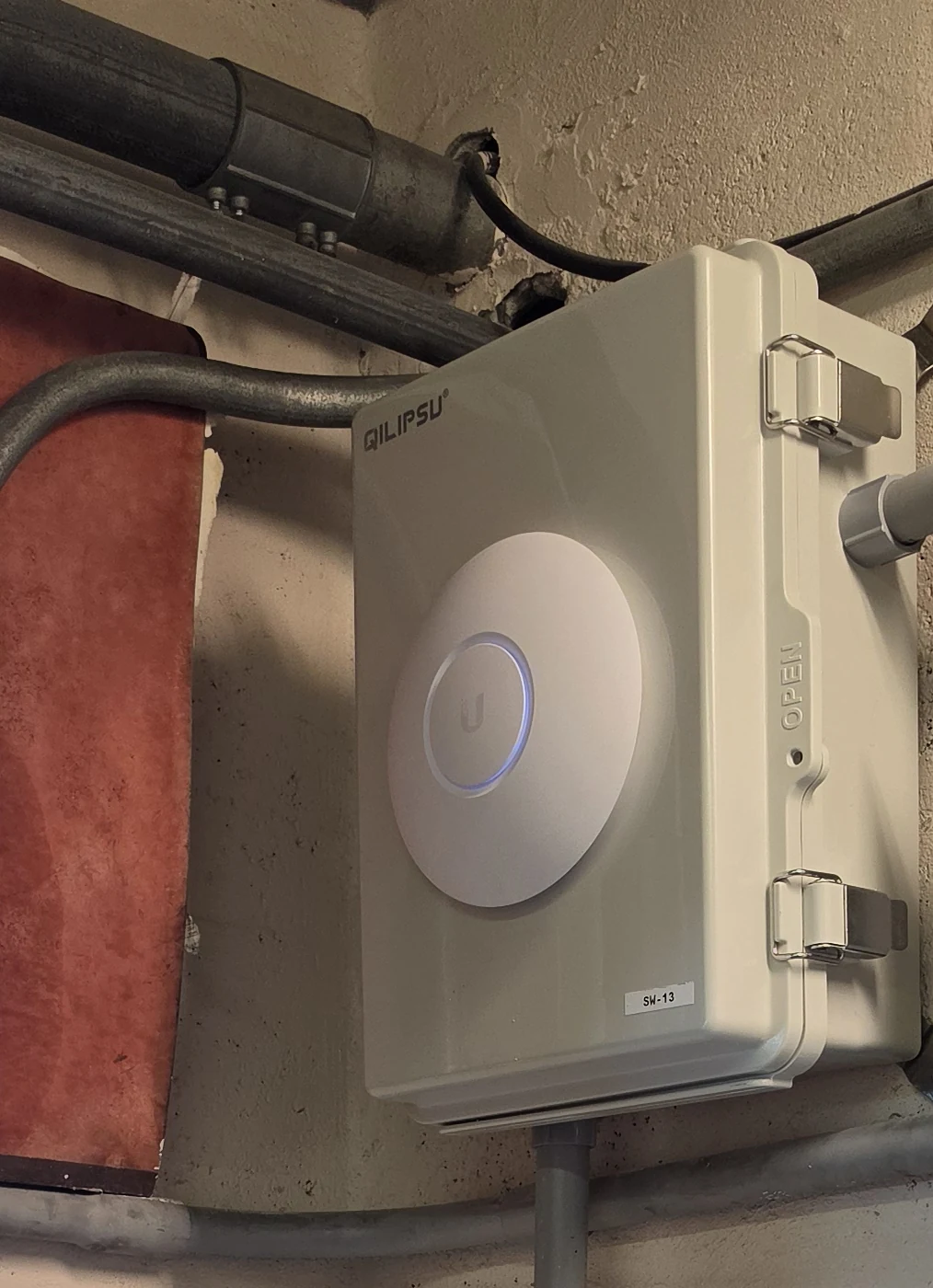
The round unit shown on a utility enclosure is a separate service-area example, not a dock-weatherproofing detail. Confirm enclosure function, permission to attach equipment, and safe access before proposing a similar arrangement; do not drill an unidentified enclosure.
Prepare Cabling and Compatible Power
Treat the outdoor cable path and power connection as part of the installation. Specify materials and protection for the actual route and selected hardware.
Document exposed, concealed, underground, and building-entry portions separately. Follow the applicable equipment instructions for cable selection, sealing, grounding, and surge protection, with qualified electrical coordination where needed. For example, Ubiquiti's UAP-Outdoor+ guide specifies shielded outdoor Ethernet connections and grounding through the PoE supply; that is model-specific guidance, not identification of the photographed units. See the manufacturer’s installation guide.
Verify the access point's supported Power over Ethernet method against the switch or injector, and check available power capacity. Label both cable ends and leave accessible service slack without obstructing doors or equipment.
Commission Coverage and Guest Access
Test the finished installation at the agreed locations with representative client devices. A visible network name alone is not acceptance evidence.
Check connection stability, useful application behavior, and movement between indoor and outdoor areas. Include seated-use positions rather than testing only beside the access point. Record the test device, location, time, and conditions, then investigate weak areas before adding equipment or changing radio settings.
Where guest access is requested, configure its intended permissions and verify them from a guest device. Confirm that internet access works while private management interfaces and other restricted resources remain unavailable. Record exceptions needed for approved shared devices.
Hand Over a Maintainable Installation
The handoff should explain what was installed, what was tested, and how service will be performed. Keep confirmed results separate from future expectations.
Provide an access-point location plan, labeled cable and switch-port references, configuration ownership, and the acceptance-test record. Transfer administrative access securely rather than putting passwords on public-facing equipment. Note any excluded areas and unresolved issues explicitly.
Agree on inspection needs for mounts, cable entries, corrosion, and vegetation changes, including reassessment after severe weather or property alterations. For survey and integration scope, review Security Install US / System64's Wi-Fi and network services before requesting an outdoor installation assessment.
Frequently asked questions
Practical answers for planning, installation, and ongoing service.
Can my indoor router cover the patio?
It may cover a nearby area adequately. Test at the actual seating and work positions first; recommend an additional access point only after checking the existing network and outdoor requirements.
Does a round access point mean it is outdoor-rated?
No. Confirm the exact model, environmental limitations, mounting orientation, and connection requirements in its documentation. The project photographs alone cannot establish outdoor suitability.
Will dock Wi-Fi work inside my boat?
That requires a separate test in the intended onboard location. Include the boat and its normal position in the survey rather than extending a shore-side test result to the cabin.
Should guests use the same network as security equipment?
Define access requirements before configuration. Where separation is required, test the resulting network and firewall rules; a different Wi-Fi name by itself is not an adequate acceptance check.
Plan Wi-Fi for Your Miami Patio or Dock
Ask Security Install US / System64 to assess the outdoor areas you need connected, the available cable route, and the existing network. Request a placement plan and clearly defined commissioning checks before installation.

We design and install cameras, access control, intercoms, and gates for homes and businesses in Miami-Dade. This article comes from the same site surveys we run on driveways, restaurants, and offices — not from a generic kit list.
About the team