A Miami condominium may have cameras at entrances, access-controlled doors, an intercom, and a vehicle gate. When utility power fails, those systems do not necessarily stop—or keep working—together. A camera with backup power is still of limited use if its PoE switch, recorder, or network path is down.
This guide helps a board or property manager plan a site-specific security-system outage review. It focuses on dependencies, priorities, measured loads, operational decisions, and a witnessed test—not on promising a universal battery runtime.
Set Priorities by Entrance and Function
Start with the doors and views that matter most while the property is operating on limited power. The priority list should reflect the building's actual staffing and resident access workflows.
Walk the lobby, pedestrian entrances, loading area, parking entry, equipment rooms, and any location used for emergency access. Identify which cameras must still record, which doors need an approved operating mode, and who can verify an alarm or provide assistance if an intercom or mobile app is unavailable.
Separate essential functions from convenience features. Keeping an entrance camera and its recorder available may be a different objective from preserving every hallway view or every remote notification. Record the desired behavior in plain language before selecting batteries or changing wiring.
Trace Every Camera's Power and Data Path
Draw the complete chain from camera to PoE switch, recorder, router, and viewing station. Mark each power source and the equipment cabinet that houses it.
A powered camera may continue to record locally only if its recording path remains available; a powered recorder may have no live video if the PoE switch goes dark. Remote viewing is another dependency: even when footage is being saved on site, the ISP connection or router can fail separately.
Use actual port maps and device labels, not assumptions based on cable color. System64 can inspect camera and network equipment as part of a security camera installation or retrofit and document what would need backup power to preserve the agreed functions.
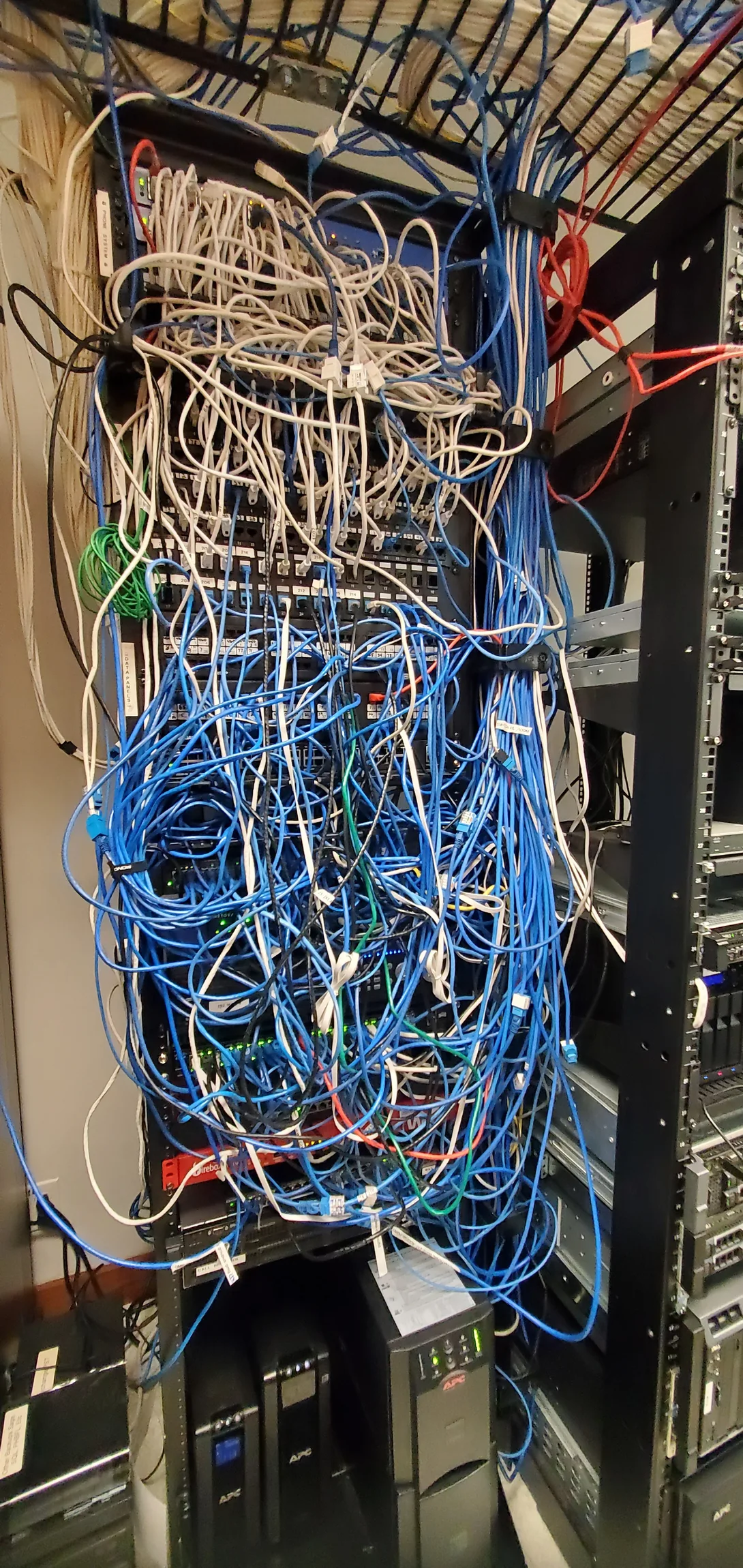
Size Backup for Measured Loads
A backup-power plan starts with the measured or manufacturer-rated load of the equipment it must serve. Runtime depends on that load, battery condition, efficiency, and the way the system is wired.
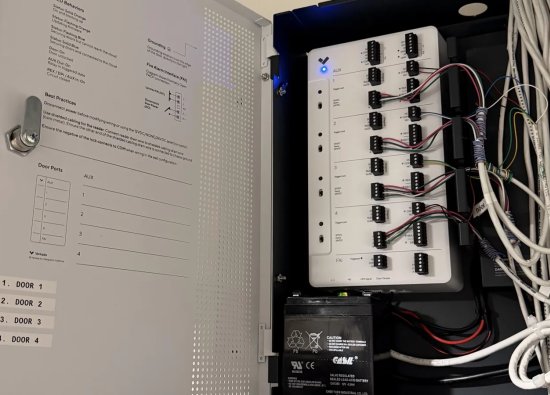
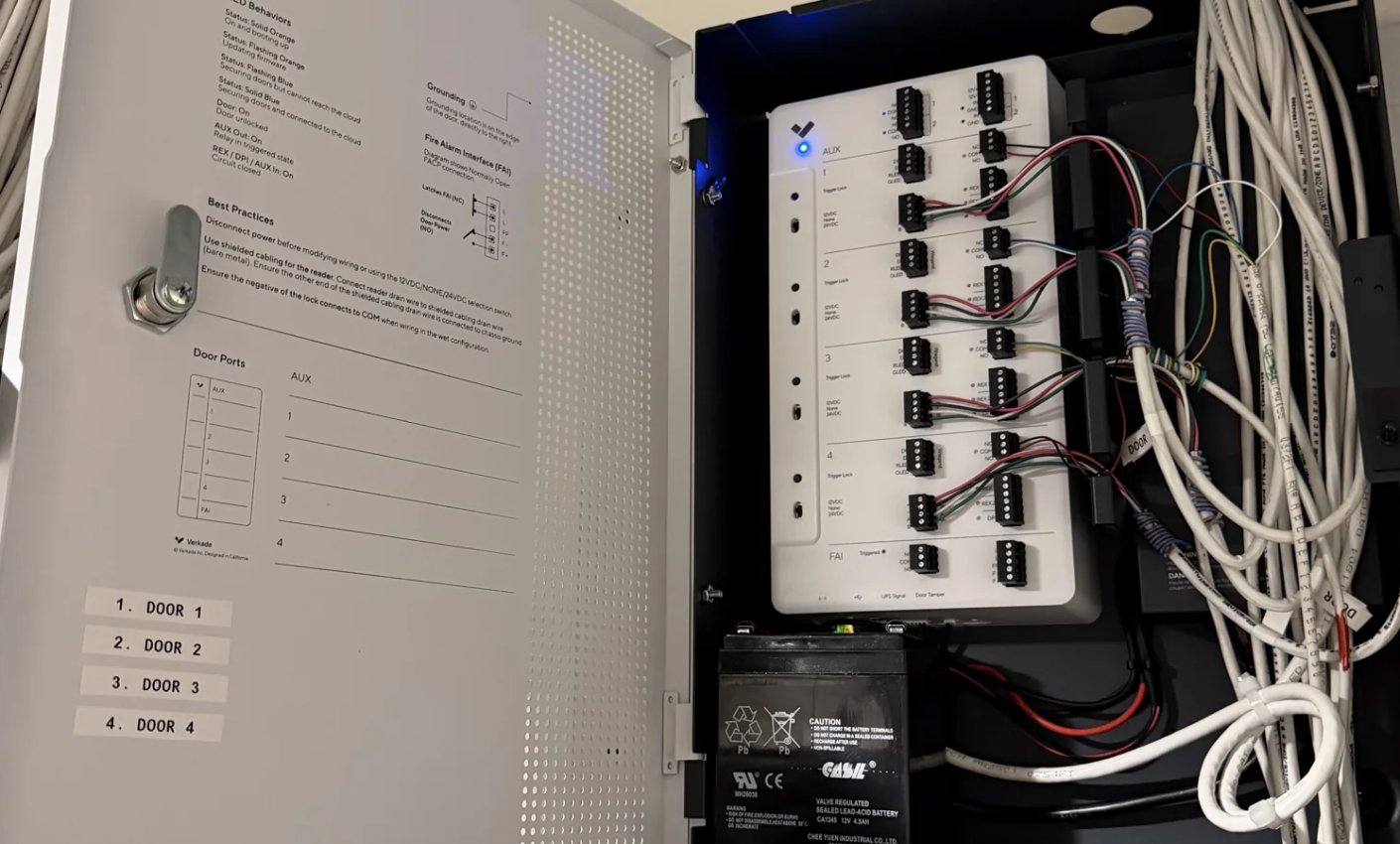
Include the camera-side PoE demand, network switches, recorder, access controllers, and any network equipment needed for the intended use. Account for equipment that should shut down in a controlled way rather than running until a battery is exhausted. A nominal UPS rating or a photograph of a battery is not a verified runtime.
Plan a maintenance and replacement schedule, plus a safe path for restoring utility power. FEMA advises identifying equipment that depends on electricity and planning appropriate alternative power sources; generators require separate safety planning and should never be treated as an improvised indoor solution. Review FEMA's power-outage guidance alongside the building's own emergency plan.
Decide Door, Intercom, and Gate Behavior
Access-control systems need a written outage operating plan, not just a battery. Door hardware, reader, controller, intercom, and vehicle operator may each have different power and communication paths.
Document what happens to each entrance during loss of utility power, loss of network, and return to normal service. Coordinate any lock, egress, or emergency-access decision with the building's responsible professionals and applicable requirements; do not change door behavior to solve a camera-power problem.
For a condominium, ask who can admit a resident or vendor when a credential cannot be checked, how the front desk handles visitor calls, and how staff will log exceptions. Review access-control integration separately from the camera recording path so one backup assumption does not hide another dependency.
Test a Realistic Outage and Recovery
A witnessed, planned test is more useful than relying on a green UPS indicator. Schedule it with management, affected residents or staff, and the relevant service providers before interrupting equipment.
Record the baseline first: live views, playback, clock accuracy, door operation, event logs, and remote access. During an approved interruption, verify the priority cameras, recording and retrieval, entry workflows, alerts, and the actual runtime under the agreed load. Then confirm that systems return cleanly when power is restored, without overwritten settings or an unnoticed failed battery.
Do not conduct an unplanned test on occupied entrances or safety-related equipment. The test scope should be agreed with the people responsible for building operations, access, and emergency procedures.
Document Ownership and Service Handoff
An outage plan only works if someone knows which component failed and who can respond. Assign owners for the camera, network, access, intercom, and gate systems, including any third-party internet or generator services.
Keep a current equipment inventory, cabinet and port map, approved emergency access procedure, test results, service contacts, and change record. A board should know what remains operational, what has been tested, and which risks need a retrofit—not simply that a contractor installed batteries.
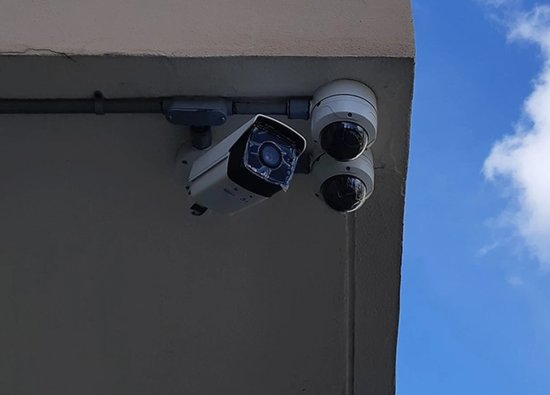
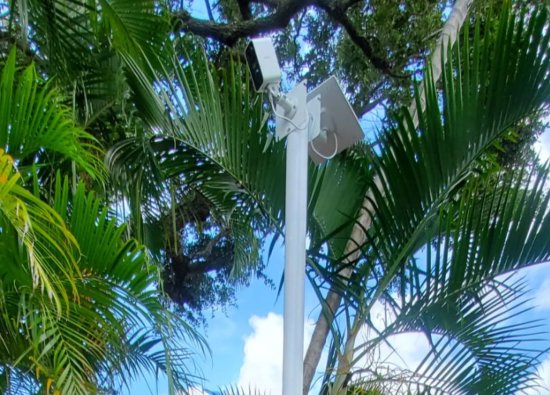
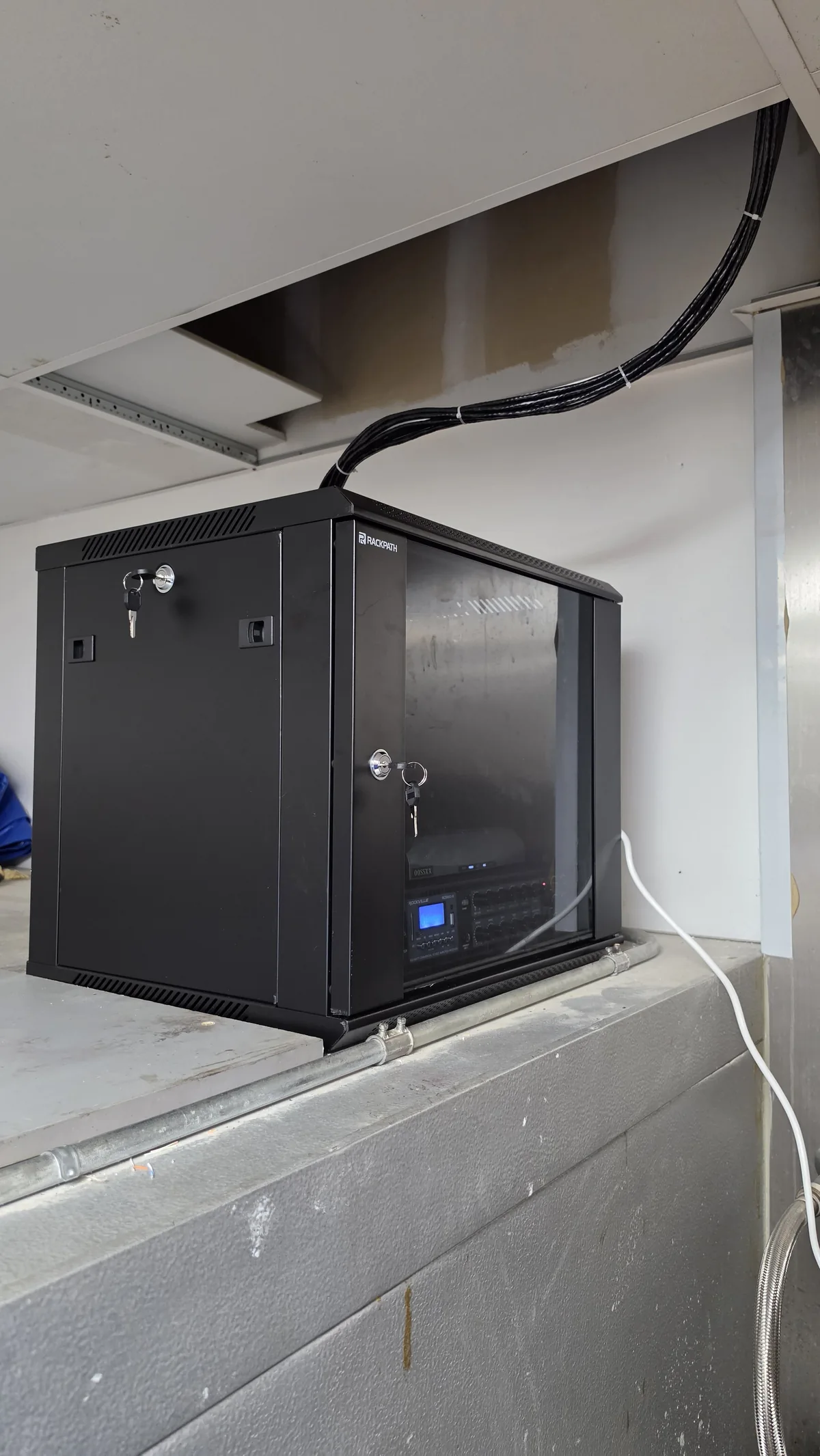
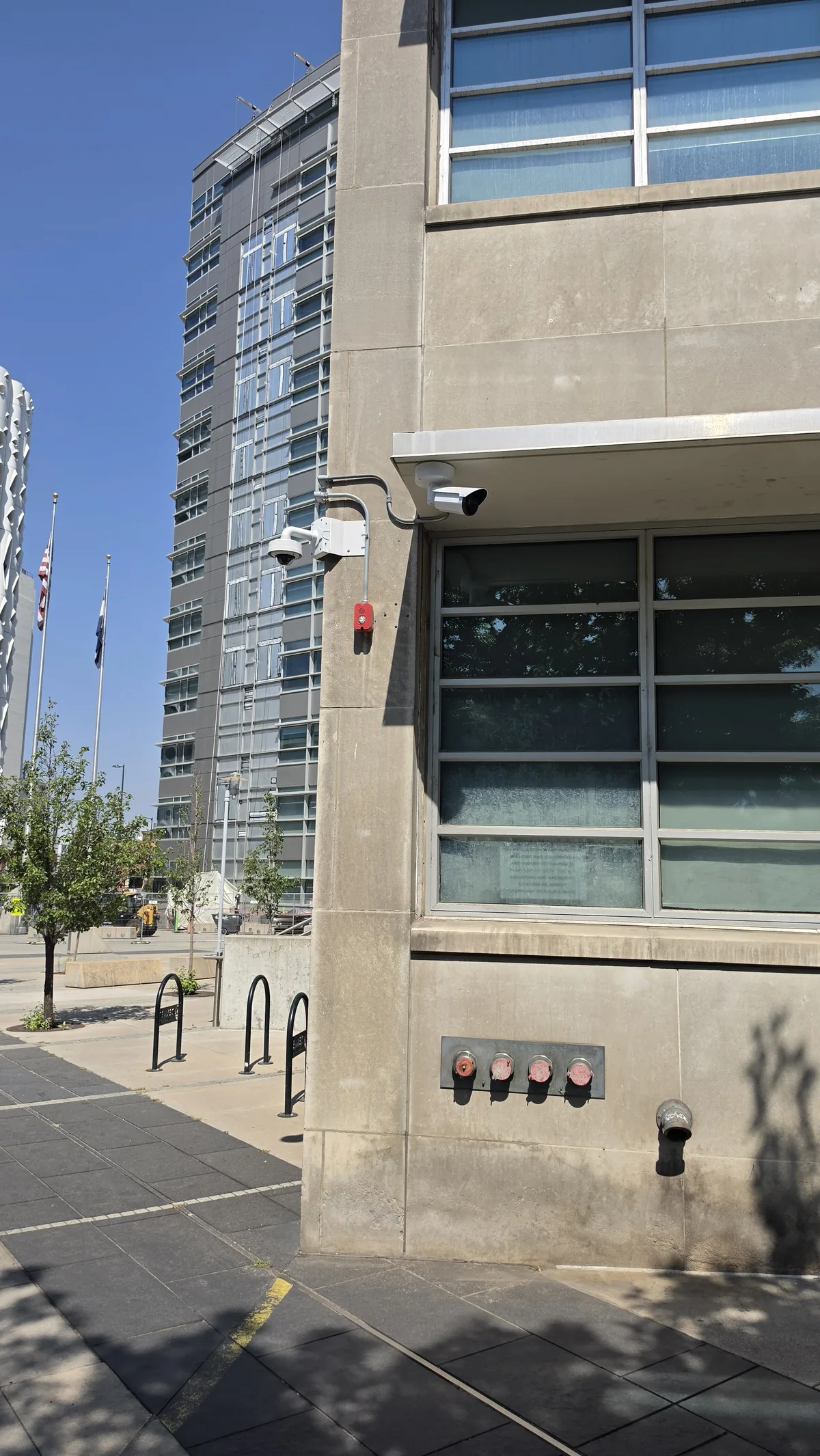
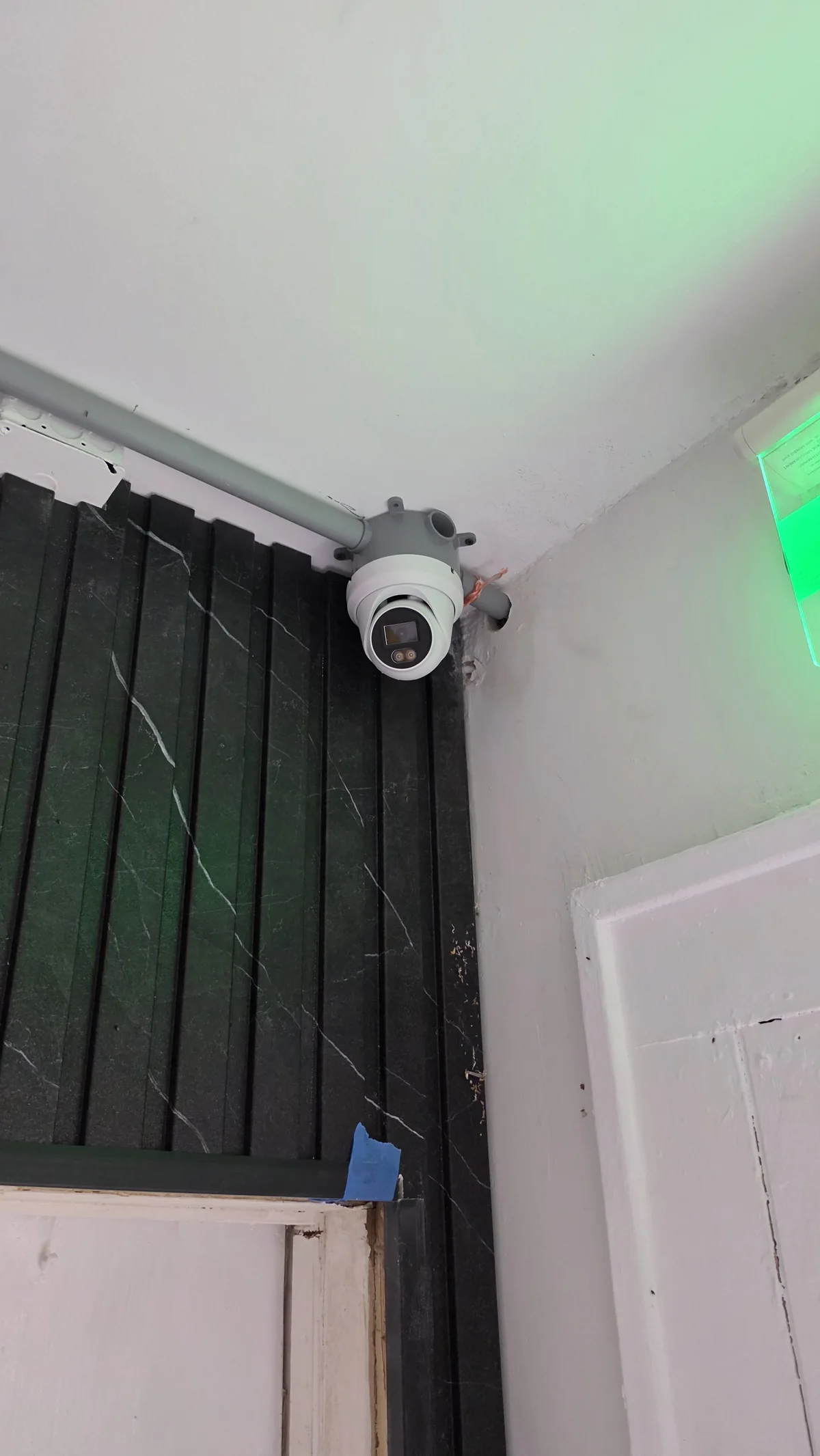
For a broader preventive program, pair this outage review with a commercial security system maintenance plan. Field photos below show distinct camera and communications installations, not one documented condo outage test or a claim about their backup duration.
Plan the Next Site Survey
The practical next step is to define the functions that must survive a power interruption and inspect the equipment that supports them. This makes a retrofit scope specific enough to test.
Bring a list of priority entrances, camera views, existing cabinets, and known outages to the walkthrough. System64 can review security camera and access-control dependencies in a Miami condo, then propose equipment, integration, and commissioning checks matched to the site; any backup duration must be specified and verified for the actual installation.
Frequently asked questions
These answers separate equipment capability from behavior that must be confirmed at the property. A site-specific test is the final check.
Will a UPS keep all condo cameras recording?
Not automatically. The cameras, PoE switches, recorder, and required network components must be included in the planned backup path, and the runtime must be checked against the site's load and battery condition.
Can residents still use access credentials if the internet is down?
That depends on the installed controller, credentials, local configuration, and power path. A site survey and witnessed test should document how each entrance behaves when internet and utility power fail separately.
Is remote viewing the same as on-site recording?
No. A local recorder may continue saving video when the internet connection is unavailable, while remote access fails. The reverse can also occur if a camera is reachable but recording equipment is down; test both functions.
How often should backup batteries be checked?
Set an inspection and replacement schedule from the equipment manufacturer's guidance and the building's service plan. Confirm actual performance through documented, authorized tests rather than relying only on an indicator light.
Map the power path before the next outage
Tell us which entrances and cameras matter most. We can assess the existing system, define a backup scope, and test the installed behavior with your building team.

We design and install cameras, access control, intercoms, and gates for homes and businesses in Miami-Dade. This article comes from the same site surveys we run on driveways, restaurants, and offices — not from a generic kit list.
About the team