A commercial security system can appear normal while important functions are already degrading. A camera may stream but fail to record, a door may unlock while logging the wrong time, or a backup battery may report healthy until utility power is interrupted.
For Miami offices, retail properties, restaurants, warehouses, condominiums, and mixed-use buildings, maintenance should be a documented operating process. The goal is to find small failures early, preserve usable evidence, and keep every responsible manager clear about what was tested, what needs repair, and what should be budgeted for replacement.
Start with an accurate system inventory
A maintenance plan begins with a current list of equipment, locations, software, credentials, and responsible parties. Without that baseline, technicians spend service time rediscovering the property instead of testing the system.
Inventory every camera, recorder, switch, access-control panel, reader, lock, intercom station, alarm device, gate operator interface, UPS, and remote-management account that affects security operation. Record model numbers, serial numbers where practical, installation locations, warranty status, firmware or software versions, and the name used in the management platform.
- Use operational labels: “Loading Dock East” is more useful than “Camera 14.”
- Map dependencies: note which PoE switch powers each camera and which network path connects each controller.
- Assign ownership: identify who approves repairs, who manages users, and who can authorize an emergency visit.
- Protect recovery information: store administrator and recovery details securely instead of relying on one employee’s phone.
- Track changes: update the inventory when a device, cable, credential policy, or network setting changes.
Inspect cameras and field devices
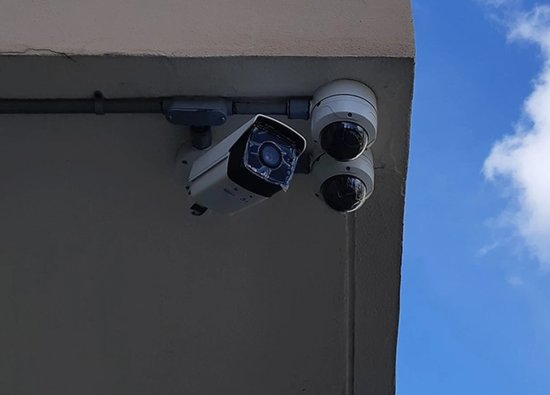
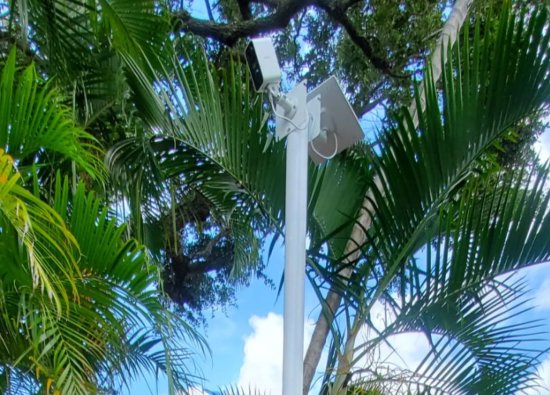
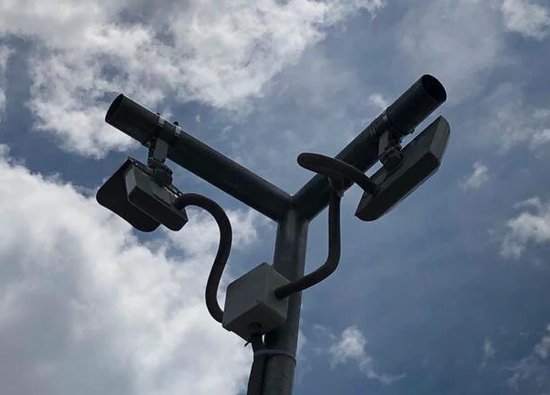
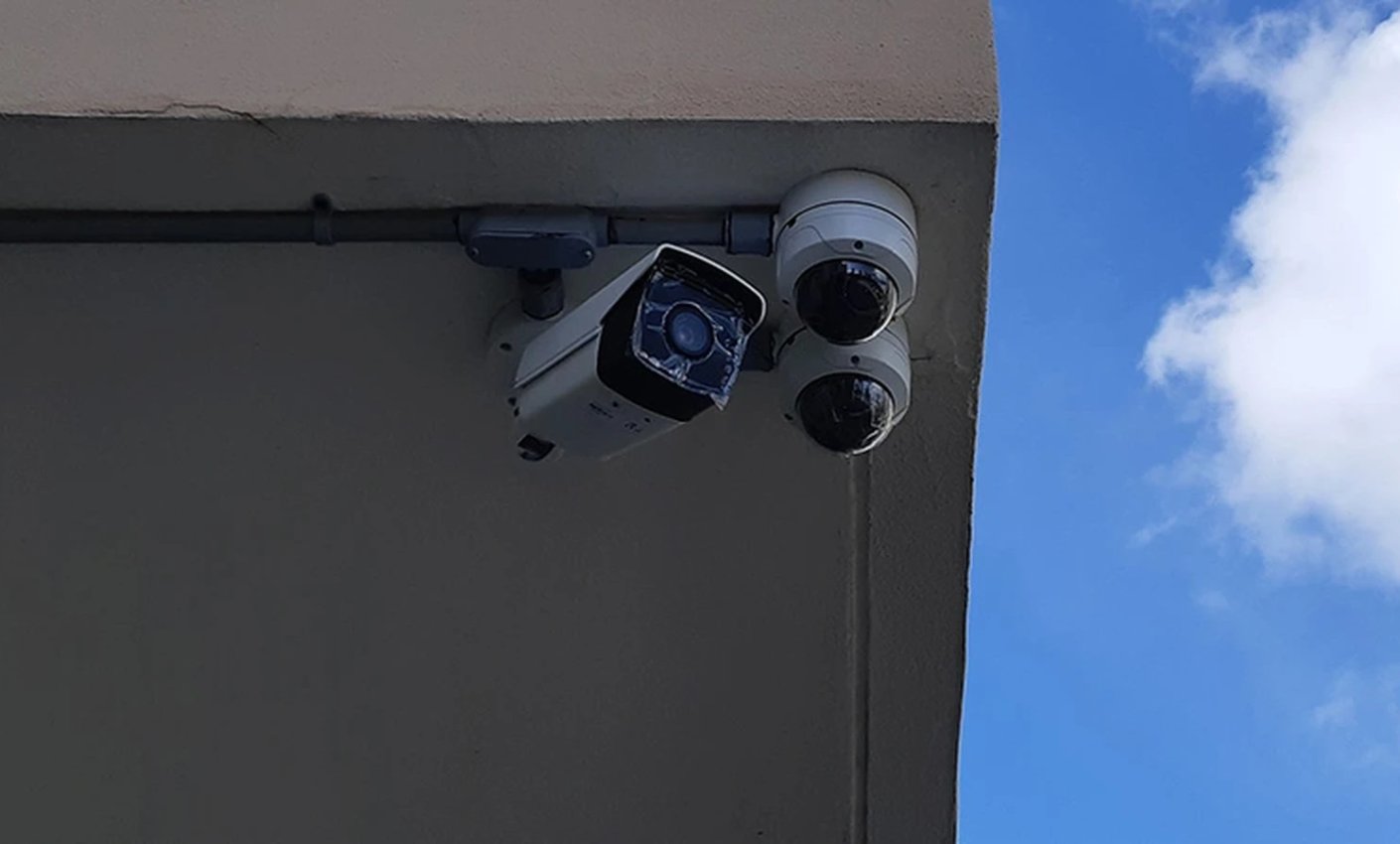
Physical inspection catches problems that software dashboards cannot see, including shifted views, dirty covers, loose mounts, damaged seals, blocked sensors, and exposed cable. Each device should be checked against the job it is expected to perform.
Review live and recorded views in the lighting conditions that matter to the business. Confirm that entrance cameras still capture identifying detail, overview cameras have not been blocked by displays or vegetation, and exterior housings show no signs of water entry, corrosion, impact, or movement.
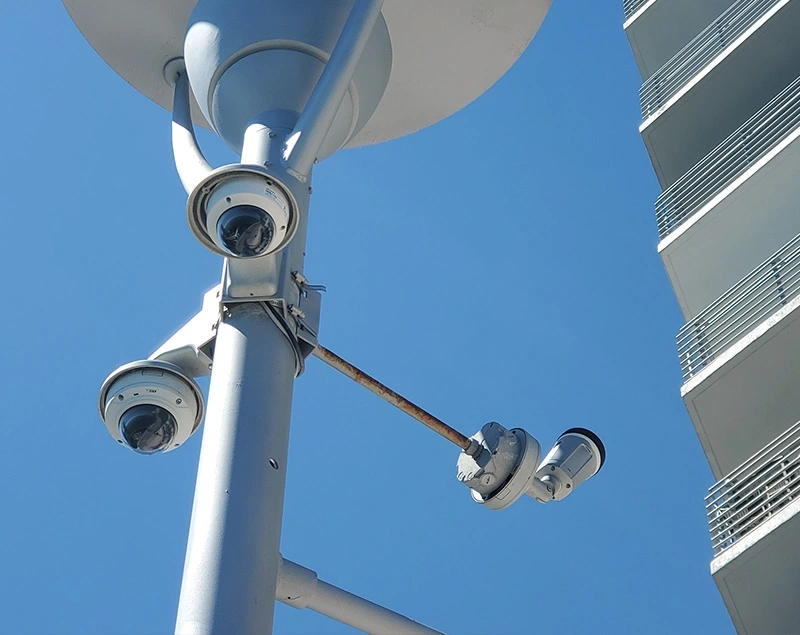
Field checks that deserve a service record
- Camera aim, focus, exposure, infrared behavior, date and time, and recorded image quality.
- Mounting hardware, junction boxes, conduit, cable entries, drip loops, and weather seals.
- Door contacts, request-to-exit devices, readers, electric locks, intercom buttons, and call audio.
- Gate safety devices, loops, photocells, vehicle controls, and the security system’s interface to the operator.
- Alarm contacts, motion devices, sirens, communicators, and zones that have been bypassed or repeatedly faulted.
Prove recording and evidence retrieval
An online camera is not proof that usable video exists. Maintenance must include playback, retention, timestamp, search, and export tests from the same tools an authorized manager would use after an incident.
Select representative cameras and retrieve footage from recent dates. Confirm that recordings are continuous or event-based as designed, storage is healthy, motion or analytics rules are creating the expected events, and playback remains clear enough for the camera’s assigned purpose.
- SearchFind a known event by camera, time, access event, or analytic filter.
- PlayVerify image quality, audio where authorized, timestamp accuracy, and continuity.
- ExportCreate a clip using the manager’s actual workstation or approved mobile workflow.
- ReviewOpen the exported file and confirm that it contains the intended period and identifying context.

Retention should be measured from actual recording settings and observed storage use, not assumed from the hard-drive label. Resolution, frame rate, compression, scene activity, recording schedule, and camera additions can all change how many days remain available.
Test access, intercom, alarm, and gate workflows
Integrated systems should be tested as business workflows, not as isolated boxes. A valid door event, intercom call, alarm condition, or gate command should create the expected physical response and leave a useful record for authorized staff.
Verify the complete door cycle
Test the credential, reader response, lock release, door contact, request-to-exit device, held-open alert, schedule, and event log together.
Follow the visitor from call to entry
Confirm call routing, audio and video, remote release, gate movement, safety devices, and the camera view used to verify the visitor or vehicle.
Review user accounts during the same visit. Remove former employees, correct unnecessary administrator rights, verify schedules and expiration dates, and avoid shared credentials where the platform supports named users. For life-safety or code-related door behavior, testing and changes should follow the approved design and the requirements of the applicable authority and qualified trades.

Protect power, network, and remote access
Modern commercial security depends on power supplies, batteries, PoE switches, routers, DNS, internet service, and account security. A maintenance visit should verify these dependencies without making unapproved changes to the customer’s production network.
Inspect power supplies and UPS units for alerts, heat, damage, battery age, and connected load. Where safe and authorized, perform a controlled backup-power test and document observed behavior. Keeping the recorder powered is not enough if cameras, controllers, switches, or the router lose power first.
- Confirm recorder, controller, camera, and network clocks are synchronized.
- Review offline devices, link errors, unstable PoE ports, and repeated restart history.
- Verify that remote access uses supported applications and named accounts.
- Apply firmware or software updates only after compatibility, backups, service impact, and rollback options are reviewed.
- Document port, VLAN, addressing, and firewall dependencies with the customer’s IT provider when applicable.
- Test alert delivery to current recipients and remove obsolete phone numbers or email addresses.
Maintenance is also the right time to identify unsupported recorders, controllers, operating systems, or mobile applications. Replacement planning is safer when it begins before a failed component forces an emergency migration.
Set service intervals from business risk
There is no responsible one-size-fits-all maintenance interval. Visit frequency should reflect exposure, operating hours, incident risk, equipment age, manufacturer guidance, and how quickly the business needs a fault discovered.
A small office with indoor cameras and limited access points may need a different plan from a coastal condominium, busy restaurant, warehouse yard, or property with automatic gates. Remote health monitoring can identify some offline devices between visits, but it does not replace physical inspection, user review, controlled testing, or evidence-export practice.
| Service layer | Typical activities | What should be documented |
|---|---|---|
| Routine review | Offline devices, alerts, storage health, user changes, and visible image issues | Open faults, responsible person, and target resolution |
| Preventive visit | Physical inspection, cleaning where appropriate, workflow tests, backup-power checks, playback, and export | Passed tests, deficiencies, photos, corrective work, and recommendations |
| Change event | Tenant turnover, staffing changes, remodeling, network work, camera additions, or policy changes | Updated inventory, permissions, drawings, labels, and recovery records |
| Incident review | Evidence retrieval, time verification, failure analysis, and preservation of relevant records | What was found, what was exported, and what should be corrected |
Every visit should end with a plain-language report: what was tested, what passed, what failed, what was repaired, which risks remain, and which recommendations are immediate versus budgetary. That report turns maintenance into an accountable business process instead of a recurring invoice with no operational record.
Frequently asked questions
These are the maintenance questions commercial property managers and business owners most often need to resolve before setting a service plan.
How often should a commercial security system be serviced?
The interval should be based on property risk, equipment exposure, operating hours, system age, manufacturer guidance, and the consequences of an undetected failure. A contractor can combine routine remote review with scheduled physical testing and additional visits after remodeling, storms, incidents, or major staff changes.
Can maintenance be performed without interrupting business?
Many inspections can be completed while the property operates, but door, alarm, gate, network, firmware, or backup-power tests may affect normal service. The technician and site contact should define a test window, notification procedure, and rollback plan before disruptive work begins.
Is camera cleaning enough for preventive maintenance?
No. Cleaning may improve an image, but preventive maintenance also includes mounting and cable inspection, recording and retention tests, event search, clip export, user review, power and network checks, and documentation of unresolved faults.
Should older cameras and access-control equipment be replaced during maintenance?
Not automatically. Service should identify equipment that is failing, unsupported, insecure, incompatible, or no longer suitable for its assigned job. A phased retrofit may preserve usable cabling and selected devices while addressing the highest operational risks first.
Can one contractor maintain cameras, access control, intercoms, alarms, and gates?
A qualified security contractor can coordinate the integrated system and service the equipment within its scope. Electrical, fire, gate-operator, network, or life-safety work may require coordination with other qualified trades or the property’s IT provider, depending on the system and applicable requirements.
Turn system health into a documented service plan
Security Install US / System64 installs, maintains, repairs, upgrades, and retrofits commercial security systems for Miami-area businesses and managed properties.

We design and install cameras, access control, intercoms, and gates for homes and businesses in Miami-Dade. This article comes from the same site surveys we run on driveways, restaurants, and offices — not from a generic kit list.
About the team