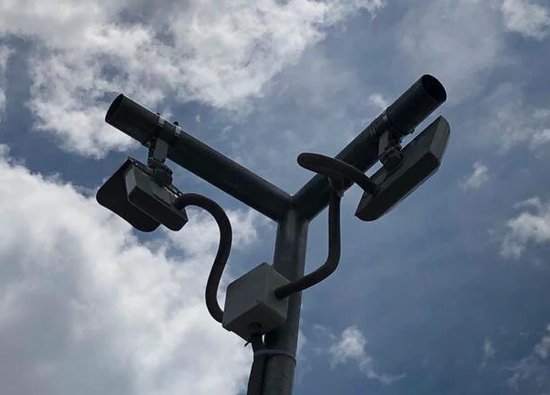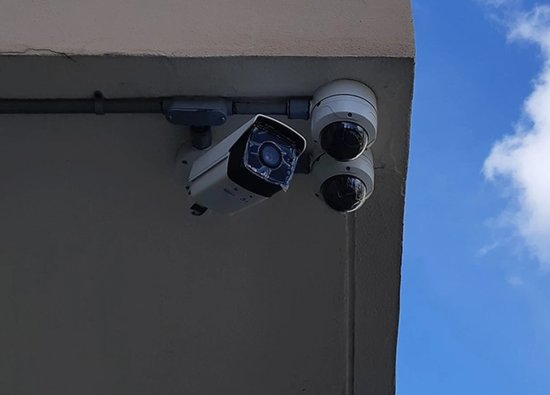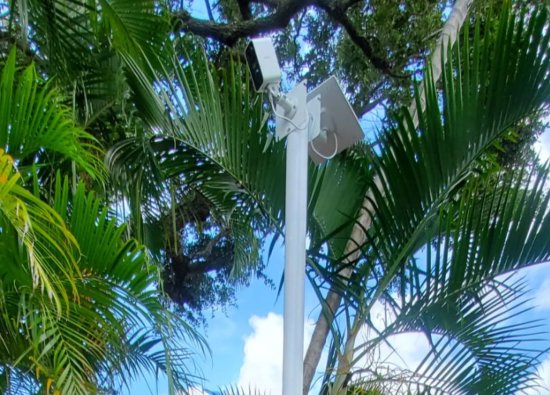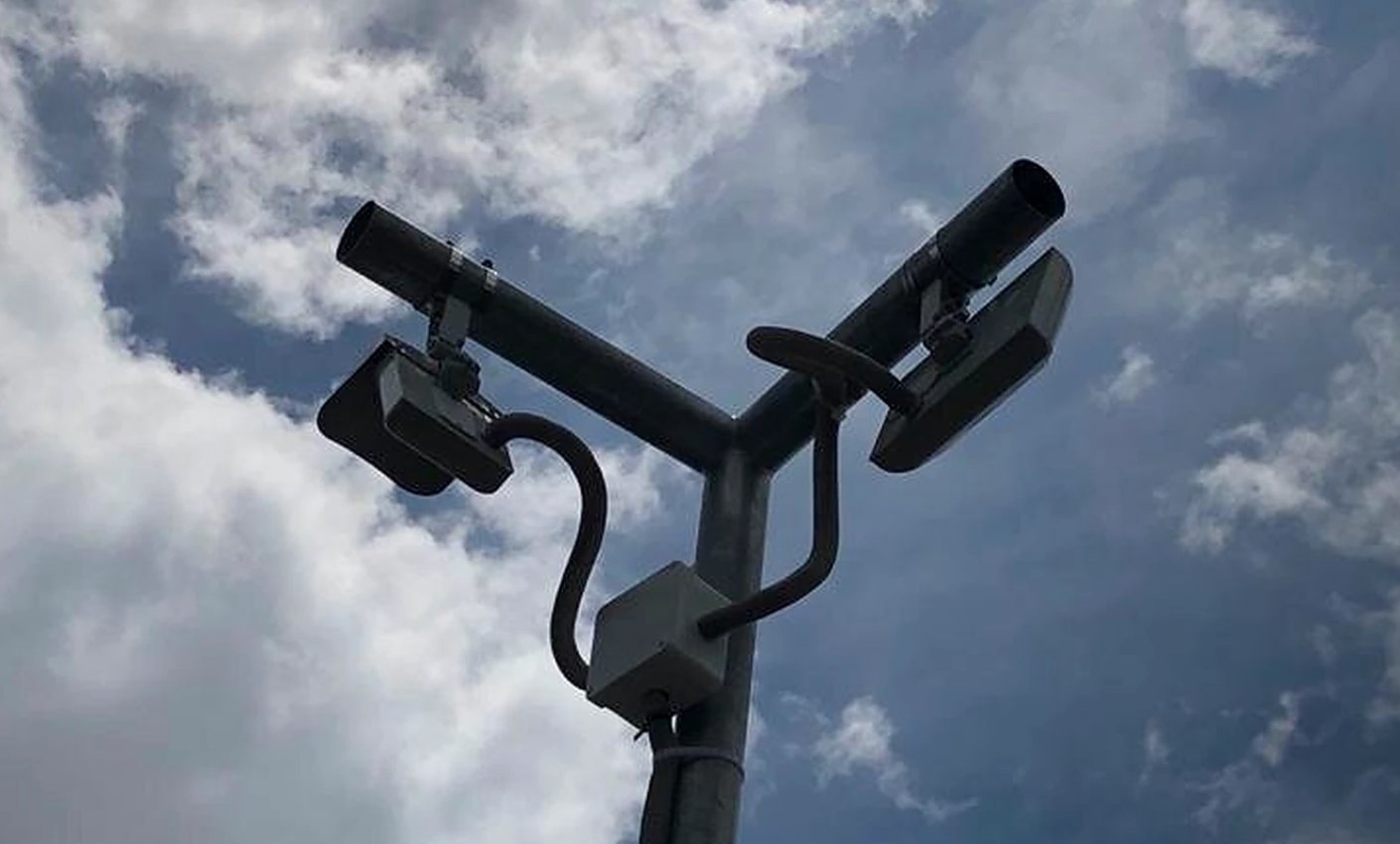
A perimeter sensor can report that activity occurred, but a response team still needs context: which zone, which direction, whether the event is a person or ordinary site activity, and what happened immediately before and after the alarm. Video verification connects the early-warning layer to evidence an authorized operator can review.
Security Install US designs integrated perimeter alarm systems for Miami properties. The company can combine site-specific sensors, including appropriate technology from Security Sensor / Perimeter Control, with cameras, recording, access control, lighting, notifications, and a documented response workflow.
Give every perimeter zone a camera
Camera association should be planned while alarm zones are defined, not added after installation. Each fence sector, beam corridor, driveway, gate, or open-area zone should identify the camera views that best explain activity in that location.
A zone may need two views: an overview to show direction of travel and a tighter scene at a gate, passage, or choke point to capture more useful detail. The design should also identify blind spots created by walls, vegetation, parked vehicles, grade changes, and gate movement.


Separate detection from identification
A sensor and a camera do not perform the same job. The detector may provide a reliable event trigger in a defined area, while the camera supplies visual context. An overview camera that verifies movement may still be too wide for identification, especially at night.
Design expectations should use clear terms: detect activity, observe direction, recognize a familiar person, or identify an unknown person. Mounting position, lens choice, distance, lighting, image quality, and target size must support the intended task.
Build an event workflow
Fast verification depends on how the alarm platform presents the event. The operator should see a meaningful zone name, the correct live and recorded views, and enough timeline to understand whether the activity began outside the camera frame.
- Sensor triggerA fence, beam, microwave, thermal, or other outdoor zone reports activity.
- Video call-upThe system presents the associated camera and bookmarks the recorded event.
- Context reviewThe authorized user checks live video and the seconds before and after the trigger.
- ResponseThe site follows its approved notification, lighting, audio, guard, or emergency procedure.
Keep timestamps and recording aligned
Sensor events are difficult to investigate when the alarm panel, access platform, cameras, and recorder disagree on time. Time synchronization and consistent zone naming allow the operator to move from an alarm record to the correct video without manually calculating offsets.
Recording design must also preserve the event. Pre-event and post-event footage can show the approach and departure that a single alarm frame misses. Storage should be sized from camera settings, recording method, expected discovery time, and retention requirements rather than camera count alone.

Use lighting and analytics carefully
Lighting can improve visible-camera verification, but sudden glare, reflections, deep shadows, insects, and rain may also affect the scene. Fixed or event-driven lighting should be tested from the camera’s position, not judged only by how bright the area looks to a person standing nearby.
Video analytics may help filter or classify events when the scene provides enough target detail. Analytics should be calibrated and tested for the actual perspective, background, vegetation, weather, and traffic pattern; they should not be promoted as a guarantee that every nuisance event will be removed.
Protect access and evidence
Remote verification should use named accounts and role-based permissions. Owners, managers, guards, and service personnel may need different access to live video, playback, exports, alarm settings, and user administration.
- Remove shared administrator credentials where the platform supports named users.
- Document who receives perimeter events and during which schedules.
- Test clip export before handover and record the approved evidence workflow.
- Protect the recorder and network equipment that keep cameras available.
- Review user access when staff, vendors, or management responsibilities change.
Test the complete response chain
Acceptance testing should trigger representative points in every perimeter zone during daylight and darkness. The test must confirm the zone label, camera call-up, recorded bookmark, notification path, lighting or audio action, and the operator’s ability to retrieve footage.
Security Install US / System64 can survey, install, integrate, commission, repair, and modernize the system. Service records should preserve final settings and known site conditions so troubleshooting remains controlled after landscaping, construction, camera changes, or storm damage.
Frequently asked questions
These answers address common questions about connecting outdoor detection to cameras and a practical verification workflow.
Can a perimeter alarm automatically display the correct camera?
Often, yes, when the alarm and video platforms support the required integration. The installer must map each zone to the appropriate live and recorded views and verify that the workflow works for authorized users.
Should cameras record only when a perimeter sensor triggers?
That depends on the risk and recording design. Continuous recording with event bookmarks may preserve more context, while event-based recording requires careful pre-event and post-event settings and reliability testing.
Can video analytics replace outdoor sensors?
Sometimes analytics can perform part of the detection role, but capability depends on the scene, target size, lighting or thermal image, obstructions, and configuration. Dedicated sensors and analytics may also be combined.
Who should receive perimeter alarm notifications?
Only authorized users or monitoring personnel defined by the property’s response plan. Schedules, escalation order, permissions, and after-hours responsibilities should be documented and tested.
Turn a boundary alert into a verifiable event
Security Install US can align perimeter zones, camera views, recording, notifications, and response procedures for a Miami-area property.

We design and install cameras, access control, intercoms, and gates for homes and businesses in Miami-Dade. This article comes from the same site surveys we run on driveways, restaurants, and offices — not from a generic kit list.
About the team