A burglar alarm should be straightforward for authorized users and dependable at the openings and rooms it protects. Choosing a keypad or a package of sensors is only part of that work: the installation must also account for occupancy, entry routes, communication, and service access.
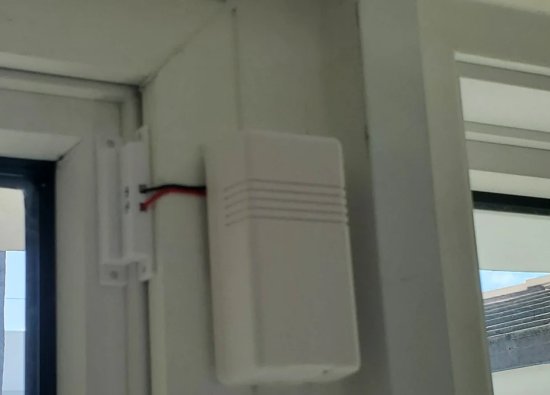
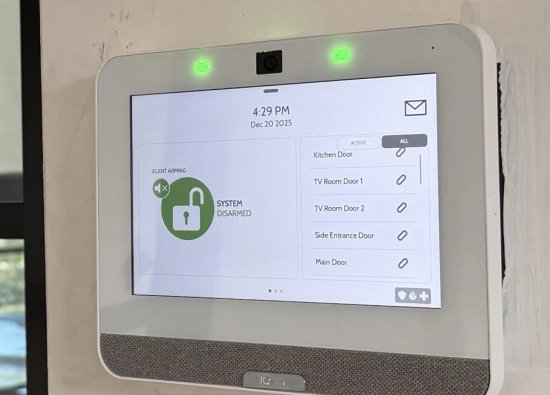
Security Install US / System64 provides burglar alarm installation and integration in Miami. This guide covers indoor intrusion planning; outdoor perimeter detection is a separate system category. The photographs illustrate equipment from different installations, not one interchangeable product package.
Start With Occupancy and Entry Routes
Map how the property is used before assigning devices. A home occupied overnight and a business closed after hours need different arming routines.
Walk the main entrance, service doors, accessible windows, and interior circulation routes with the owner. Record pets, overnight occupants, cleaning schedules, and anyone who needs authorized access. Identify which areas should remain active while people move elsewhere inside.
For a condominium unit or managed commercial property, confirm the scope of private versus shared spaces and obtain permission for work affecting common infrastructure. Keep detailed zone maps and user information in the private project record rather than public photographs.
Choose Compatible Detection Layers
Opening contacts and indoor detectors answer different questions. Select each device for the intended event and confirm its compatibility with the control system.
A door contact reports a change at an opening; a motion detector covers movement within its specified detection pattern. Glass-break detection may provide a separate layer where the selected device and room conditions support it. One sensor type is not an automatic substitute for another.
Review the exact detector instructions for placement, glass type where applicable, obstructions, pets, and environmental limitations. Do not identify compatibility or detection range from a housing shape. Existing wired zones may be reusable after inspection and testing, but their condition and interface requirements must be established first.
Make Controls Easy for Authorized Users
Place controls where the approved entry and exit routine can be followed without confusion. Decide who can arm, disarm, administer users, and request service.
Agree on the normal arrival route and the practical sequence for disarming. Configure entry and exit behavior for the actual system, then demonstrate it with the people who will use it. A suitable location must also preserve service access and avoid publicly exposing sensitive status information.
Use individual authorized credentials where the platform supports them and establish a process for staff or tenant changes. Transfer ownership and recovery information securely. An app notification, a keypad display, and a monitoring-center signal serve different roles; explain those distinctions during handoff.
Plan Power and Alarm Communication
Define how an alarm event will reach the intended recipient and what happens when normal service is interrupted. Backup capability depends on the installed equipment and service arrangement.
Document the control unit power supply, supported battery backup, communication path, and any equipment that path depends on. Confirm the selected communicator is supported by the intended provider rather than assuming that a network connection alone establishes monitoring.
Discuss whether the owner wants local notification, app-based awareness, or a professional monitoring arrangement. Confirm account activation, contact lists, and response procedures with the provider. Do not promise uninterrupted operation or automatic police response from the presence of a siren or backup battery.
Commission the System Before Handoff
Test the installed zones and operating routines against the agreed scope. Coordinate a test period with the monitoring provider before generating alarm signals on a monitored system.
Verify that each opening and indoor detector reports under the correct zone name. Check the intended occupied and unoccupied modes, normal entry and exit, local indications, and supported notifications. Confirm communication receipt through the appropriate provider procedure when monitoring is included.
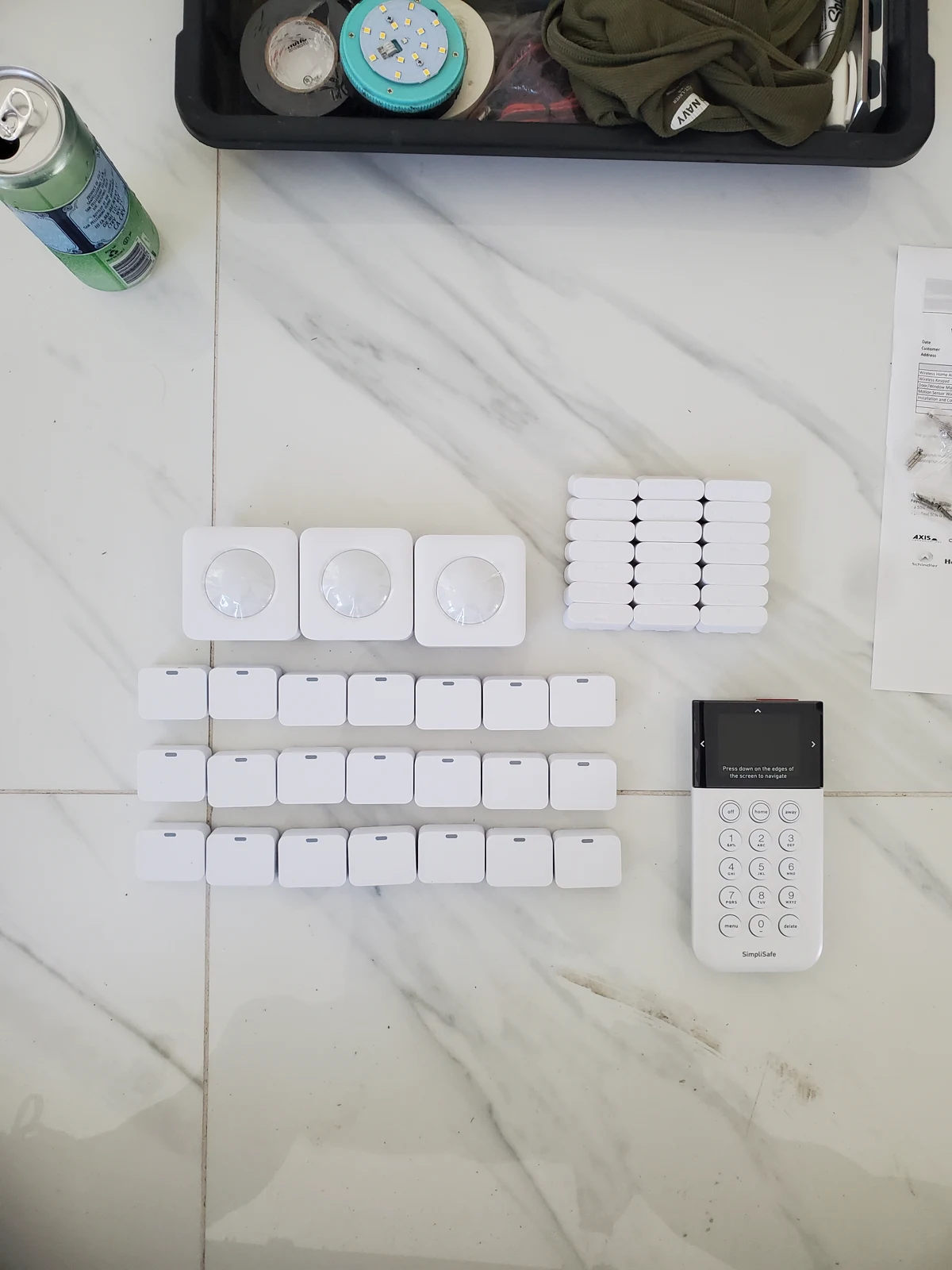
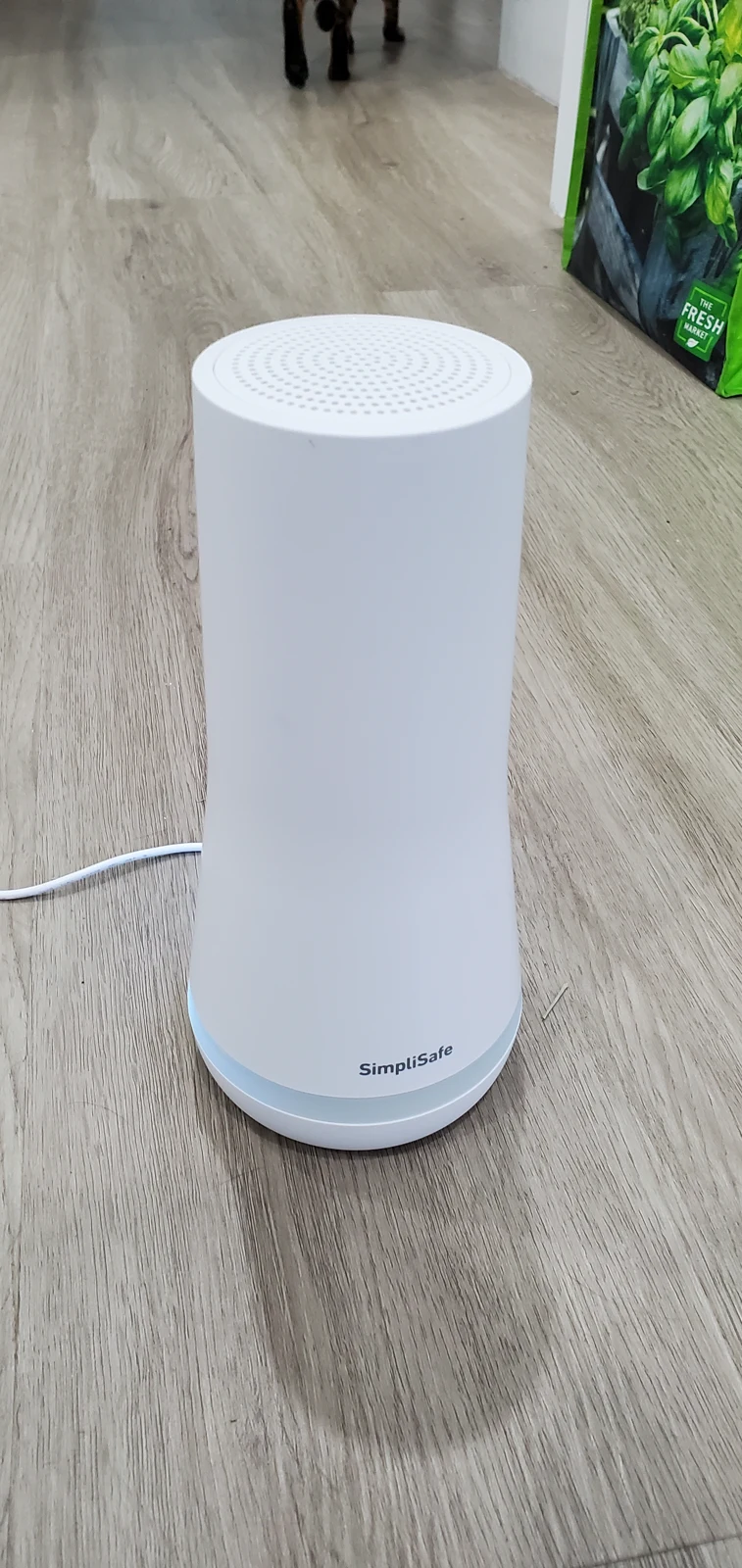
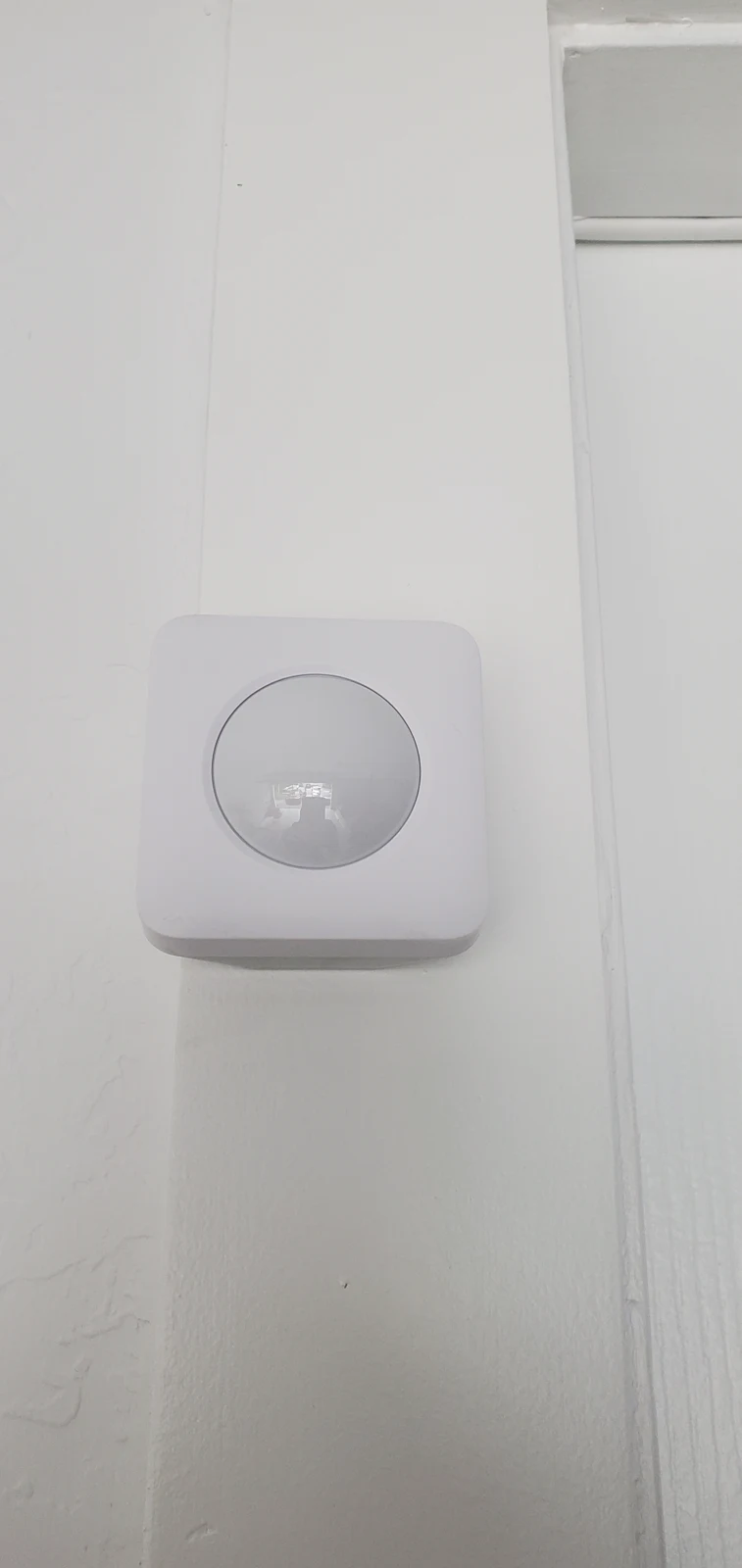
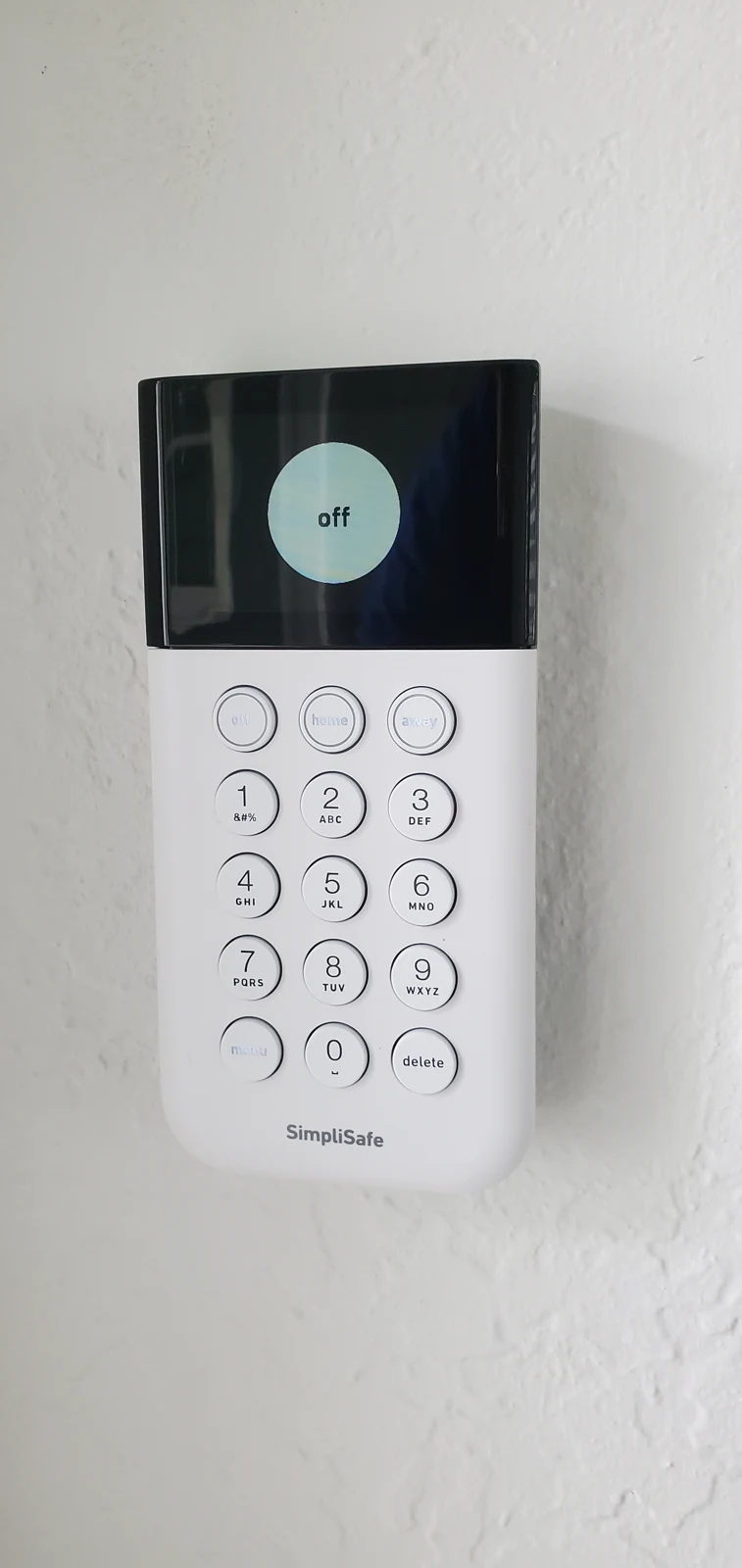
Record the result for each test and identify unresolved items rather than treating an illuminated control panel as proof of readiness. Photographs of staged devices, a base station, an indoor detector, and a keypad illustrate system elements; they do not replace a commissioning record or demonstrate cross-brand interoperability.
Keep the System Serviceable as Use Changes
Revisit the alarm plan when occupancy, doors, furniture, or daily routines change. Maintenance should follow equipment instructions and the property’s service agreement.
Keep an equipment inventory, private zone list, test record, and service contact with the owner. Review reported troubles, battery condition, loose mounting, damaged cables, and changes that obstruct detectors. Arrange supported updates and configuration backups where the platform provides them.
Before replacing the whole system, distinguish a local sensor fault, mounting problem, communication issue, and control-platform limitation. System64 can assess repair, expansion, or retrofit options against the existing equipment and the owner’s current requirements.
Frequently asked questions
Practical answers for planning, installation, and ongoing service.
Can an existing wired alarm be upgraded?
Possibly. Identify the control platform, wiring, zones, communicator, and ownership constraints first. Reuse should follow inspection and testing; a new touchscreen does not make incompatible legacy devices work together.
Can the alarm remain active while people are inside?
Many systems support occupied modes, but the active zones and user routine must be configured and demonstrated for the property. Confirm the selected platform and detector arrangement before relying on that behavior.
Does installation automatically include monitoring?
No. Confirm the monitoring agreement, communicator compatibility, account activation, contacts, and provider procedures separately. Local alarming and app access do not by themselves establish professional monitoring.
Should a homeowner test the system by triggering an alarm?
Use the manufacturer’s supported test procedure and coordinate with the monitoring provider first when applicable. Avoid an unannounced live alarm that could trigger an unnecessary response.
Plan an Alarm That Fits Your Miami Property
Ask Security Install US / System64 to assess the openings, indoor detection needs, existing equipment, and daily arming routine. Request a defined installation or retrofit scope with commissioning and a clear owner handoff.

We design and install cameras, access control, intercoms, and gates for homes and businesses in Miami-Dade. This article comes from the same site surveys we run on driveways, restaurants, and offices — not from a generic kit list.
About the team