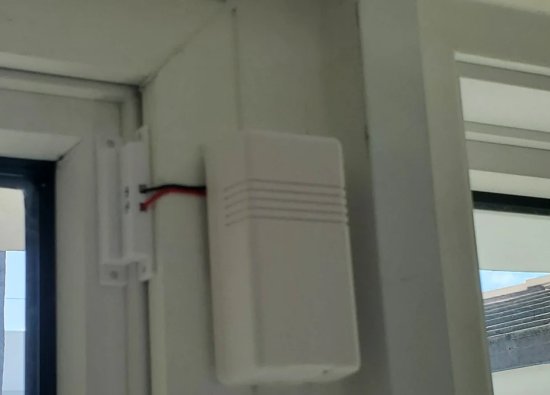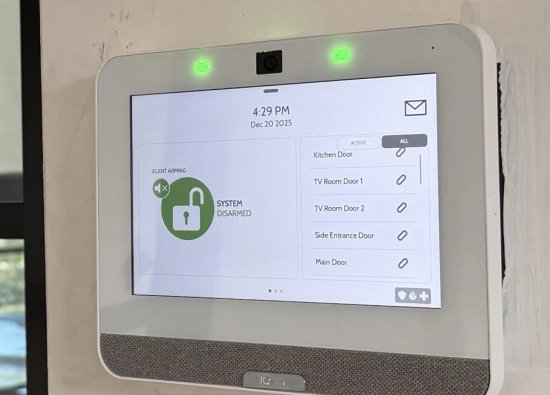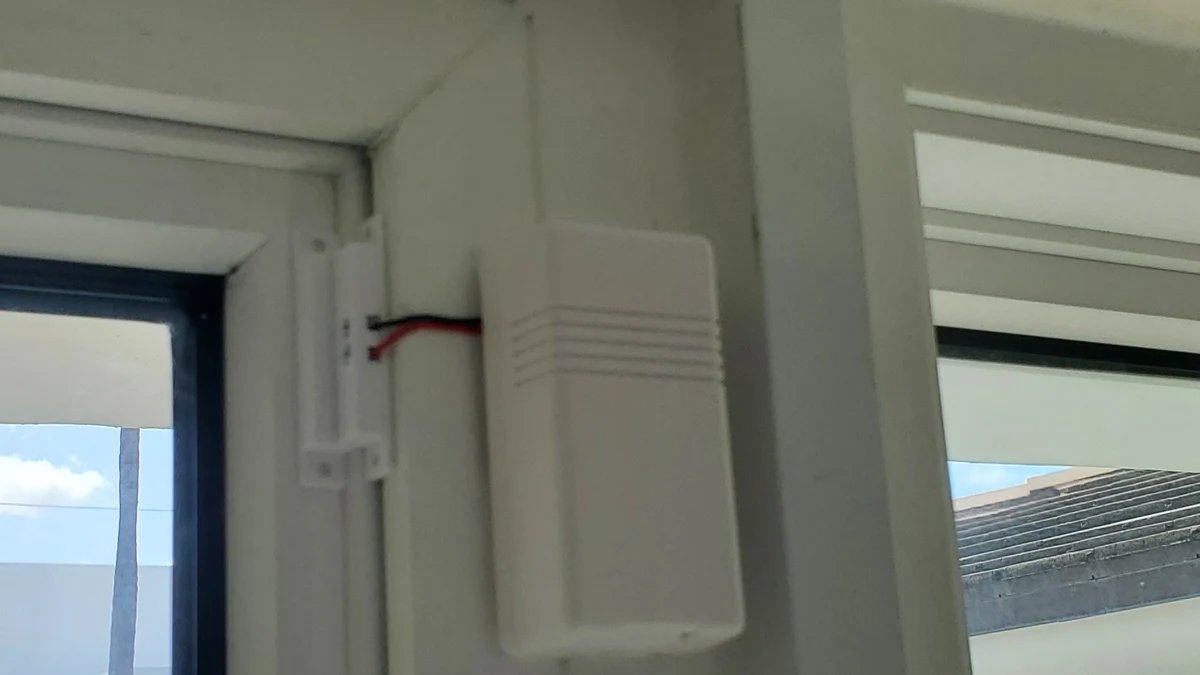
A door or window can appear closed while its alarm zone reports open. The problem may involve alignment, mounting, wiring, a wireless connection, or the opening itself—not necessarily a failed control panel. A useful repair starts by separating those possibilities.
This guide covers interior opening contacts used in burglar alarm systems. It does not cover fence detection, outdoor beams, or access-control readers. The portfolio photographs show several frame and sensor arrangements as inspection examples, not proof that every visible detail meets a particular manufacturer’s installation requirements.
Understand What the Contact Reports
A conventional magnetic opening contact detects the relationship between a sensor and its magnet. It does not establish that the door is locked or that all routes into the property are protected.
In a typical arrangement, one component is attached to the moving door or sash and the other to a fixed surface. Opening changes their relationship and the alarm system interprets the zone according to its configuration. Some installations use a separate wired contact connected to a wireless transmitter.
Identify which component performs each function before changing positions. A device installed beside a door is not necessarily an intrusion contact; locks, readers, and other controls belong to different functions and should not be substituted by appearance.
Inspect the Frame Before Moving the Sensor
Check the opening mechanically as well as electronically. Loose trim, a sagging door, or an uneven sash can change the sensor gap during ordinary use.
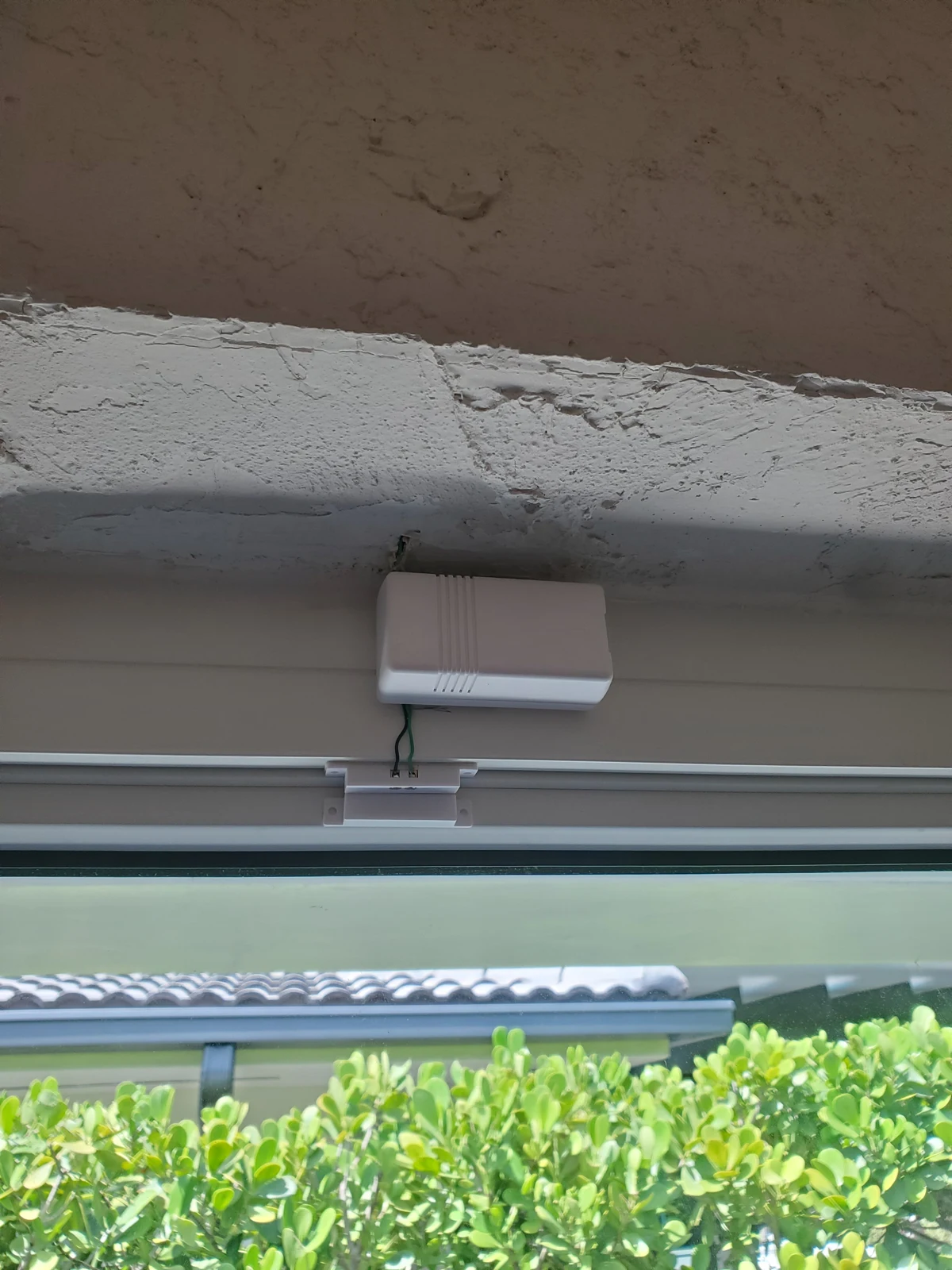
Observe the door or window in its normal closed position and through its full intended travel. Look for rubbing, movement in the mounting surface, weatherstripping interference, and hardware that could strike the contact. Include sliding and multipanel openings in the survey rather than assuming the first visible panel represents the entire opening.
Before drilling, confirm the construction, permitted fixing locations, and warranty restrictions. Do not drill into glazing, concealed services, drainage paths, or an unidentified assembly. Where building hardware needs repair, coordinate that work instead of compensating with increasingly marginal sensor alignment.
Follow the Exact Alignment Instructions
The acceptable gap and sensing position are product-specific. Verify them in the instructions for the installed contact rather than applying one universal distance.
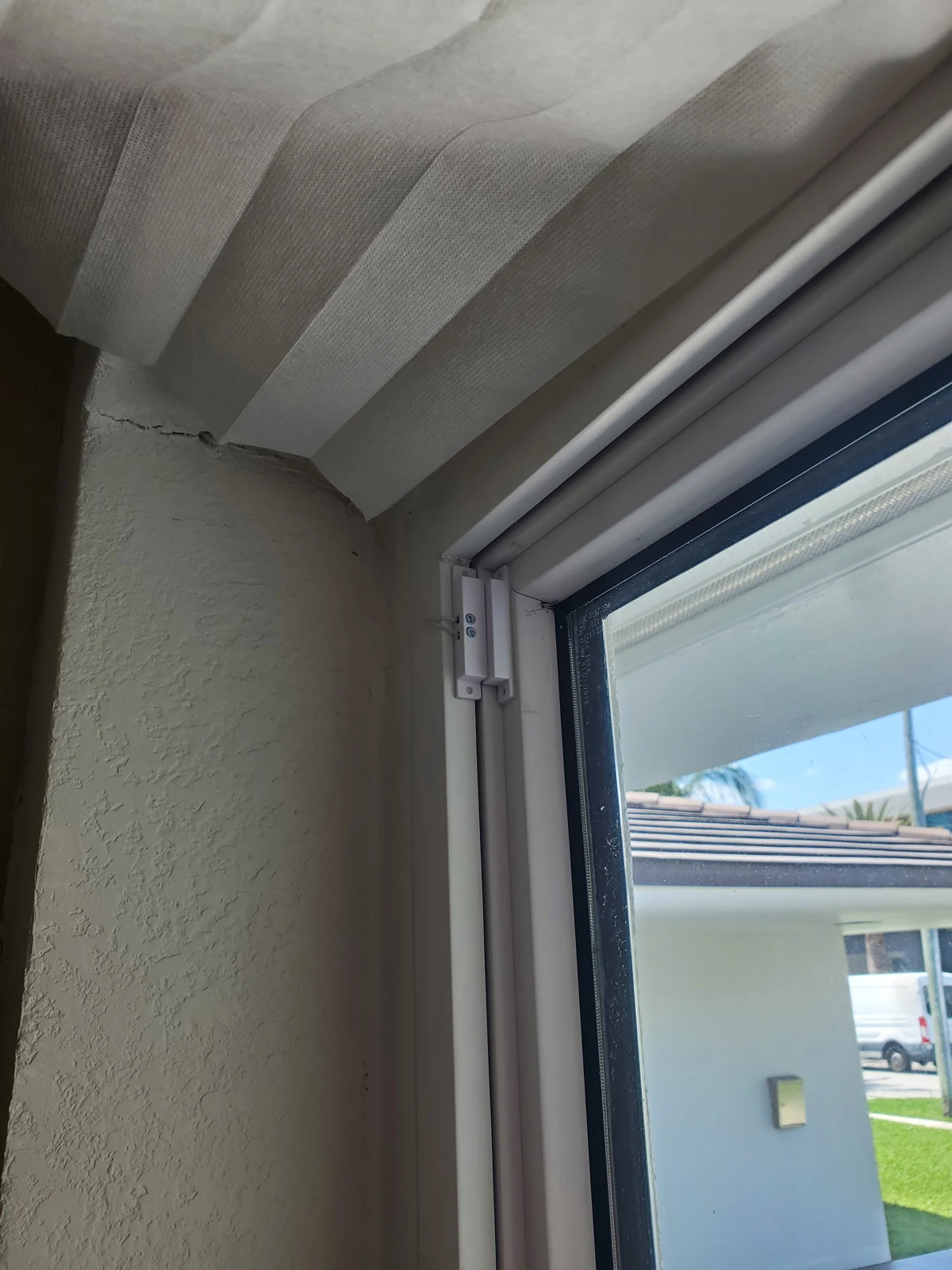
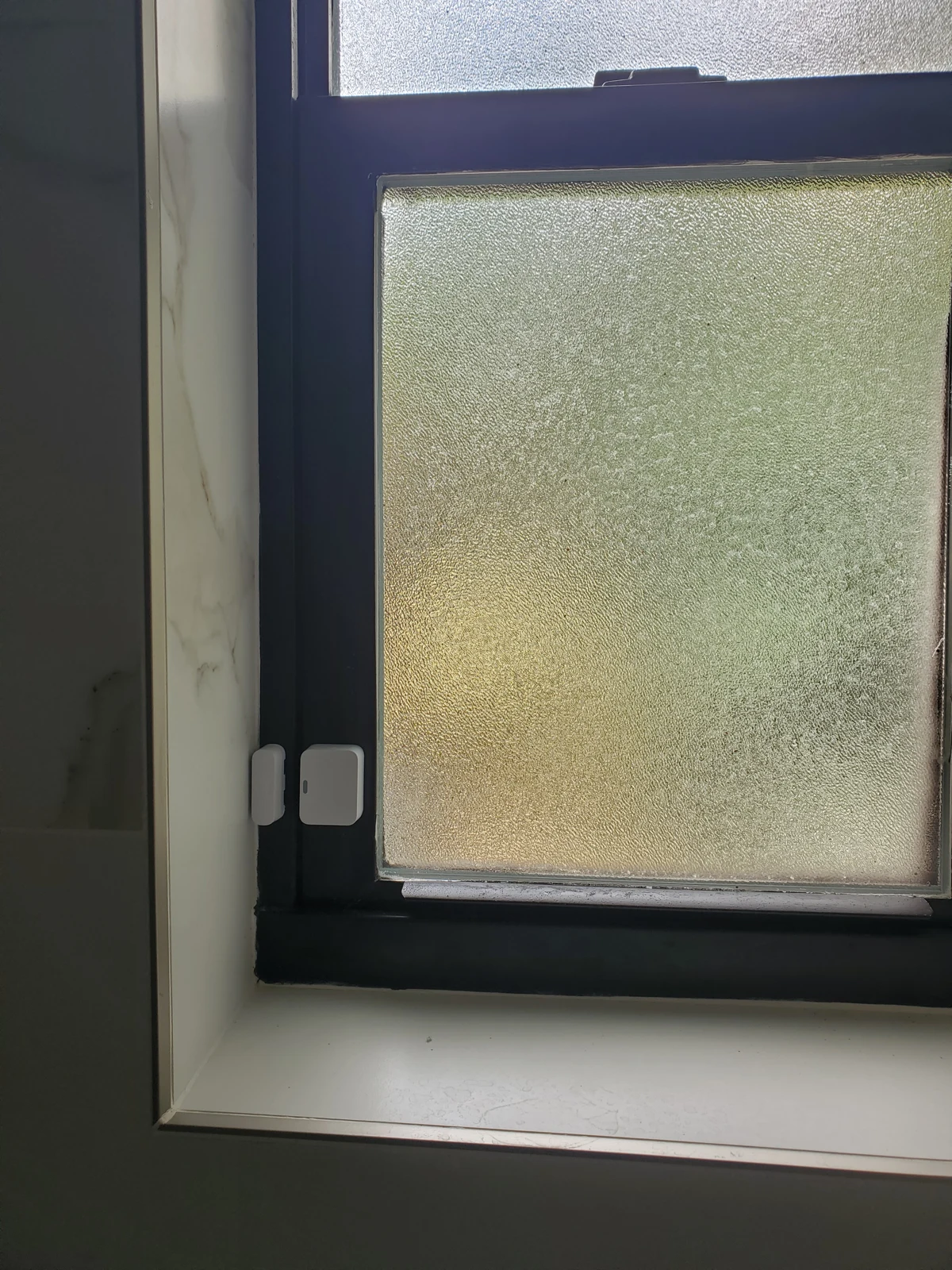
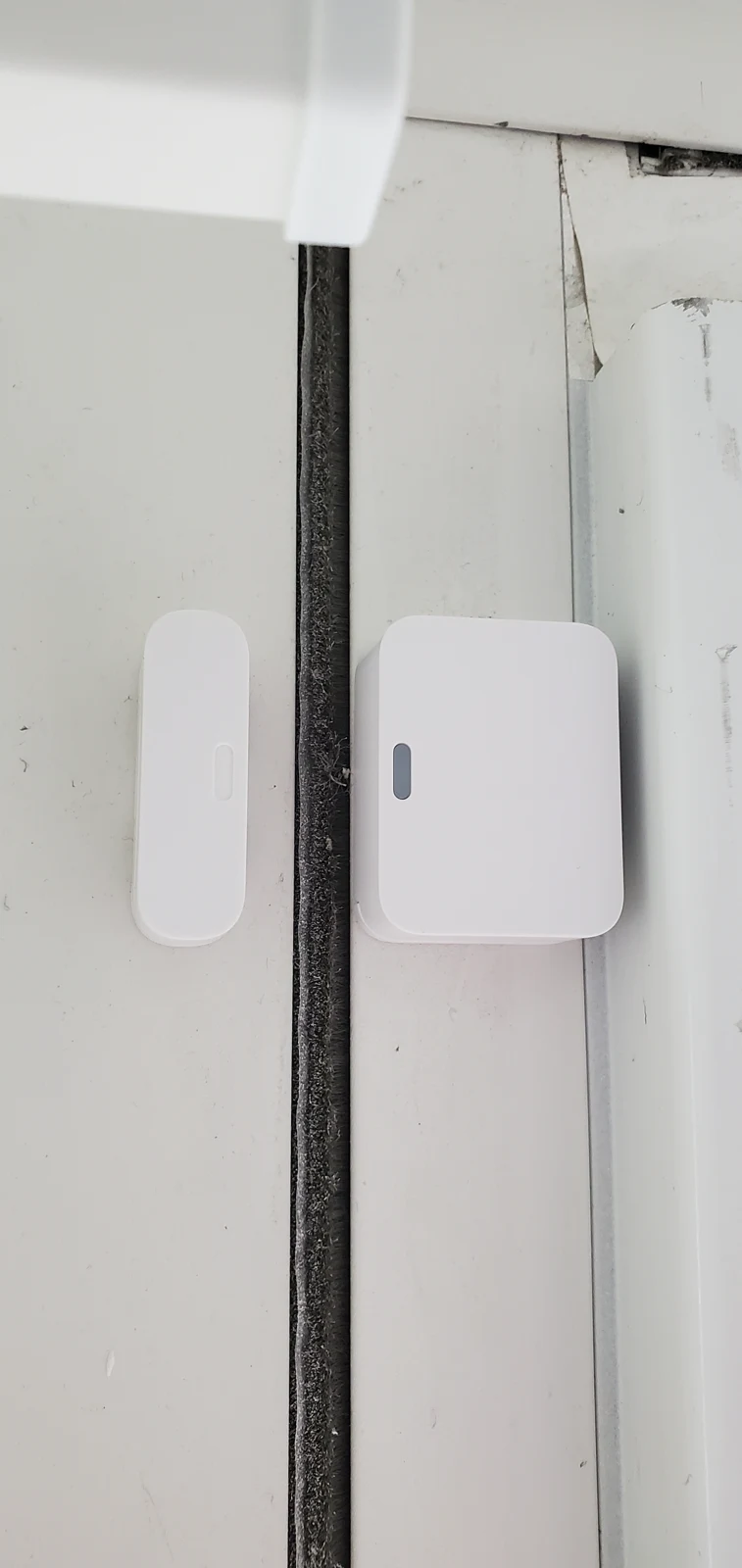
Check the prescribed sensing edge, orientation, and mounting surfaces with the opening closed. The magnet and sensor may sit at different depths on stepped trim, requiring an approved mounting approach. Metal surfaces can also call for manufacturer-specific treatment.
For example, the SimpliSafe entry-sensor guide provides its own alignment and metal-door guidance. Use it only for the applicable product generation; the varied photographs in this article are not all identified as that device.
Secure Mounting and Preserve Service Access
Choose a mounting method suitable for both the product and the actual surface. A contact that can shift during cleaning or normal door movement is difficult to keep dependable.
Prepare adhesive surfaces as instructed and use approved mechanical fixing where appropriate. Preserve access to batteries, covers, terminals, and release tabs. Route any short lead so it is supported and protected from pinching or abrasion without obstructing the opening.
The illustrated retrofit includes a transmitter connected to a separate contact by a visible lead. That arrangement prompts checks of strain relief, lead protection, and compatibility; the photograph is not a blanket recommendation to leave wiring exposed. Avoid concealing an untested connection merely to improve appearance.
Diagnose the Zone Before Replacing Parts
Separate a physical alignment fault from wiring, enrollment, battery, or communication problems. A consistent symptom record helps a technician choose the right test.
Record whether the trouble appears continuously, during movement, after cleaning, or only intermittently. Confirm the zone identity, supported diagnostic indications, and recent changes. On wired circuits, a technician should establish the circuit design before testing; on wireless devices, review the manufacturer’s connection and battery procedures.
Do not bridge out the contact or leave a zone bypassed as a permanent repair. If temporary loss of protection is necessary for service, communicate it to the owner and monitoring provider as applicable, then document restoration. Replace only with a confirmed compatible part.
Test Real Opening and Closing Behavior
A successful repair must report the opening correctly through repeated normal operation. Confirm both the device event and the system’s intended response.
Coordinate a test period for a monitored alarm, then use the supported test mode. Open and close the door or window normally, verify the correct zone indication, and check that a fully closed opening restores consistently. Confirm configured notification or alarm behavior through the agreed commissioning procedure.
Record the device location, replacement part or adjustment, and test results. Reinspect after door replacement, window service, painting, or trim work. Security Install US / System64 can assess contact repair and retrofit requirements as part of a wider burglar alarm service visit in Miami.
Frequently asked questions
Practical answers for planning, installation, and ongoing service.
Why does my alarm say a closed window is open?
Possible causes include a shifted magnet, loose mounting, an opening that no longer closes consistently, or an electrical or communication fault. Record the symptom and have the actual contact and zone checked before replacing the panel.
Can every contact use the same magnet gap?
No. Gap, orientation, sensing edge, and surface requirements depend on the exact product and sometimes its generation. Follow that contact’s instructions and verify operation after mounting.
Can a wireless transmitter use an existing wired contact?
Some transmitters support an external contact input. Confirm the input type, circuit requirements, existing contact condition, and system compatibility before proposing that retrofit.
Does a contact prove that a door is locked?
A conventional opening contact reports its sensor-and-magnet condition, not the lock’s bolt position. Lock-status monitoring requires suitable hardware and a separately designed function.
Resolve Unreliable Door and Window Alarm Zones
Ask Security Install US / System64 to inspect the opening, contact placement, wiring or wireless connection, and control compatibility. Request a repair or retrofit scope that includes repeatable testing and documented restoration of protection.

We design and install cameras, access control, intercoms, and gates for homes and businesses in Miami-Dade. This article comes from the same site surveys we run on driveways, restaurants, and offices — not from a generic kit list.
About the team