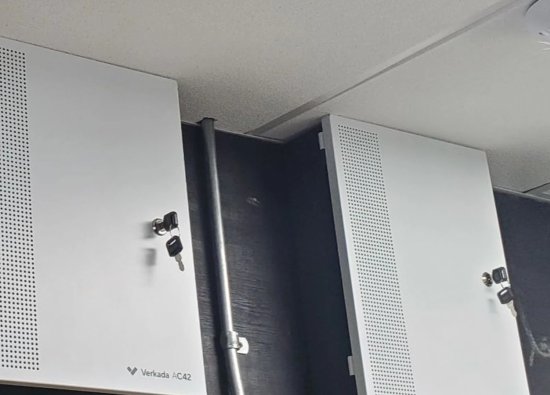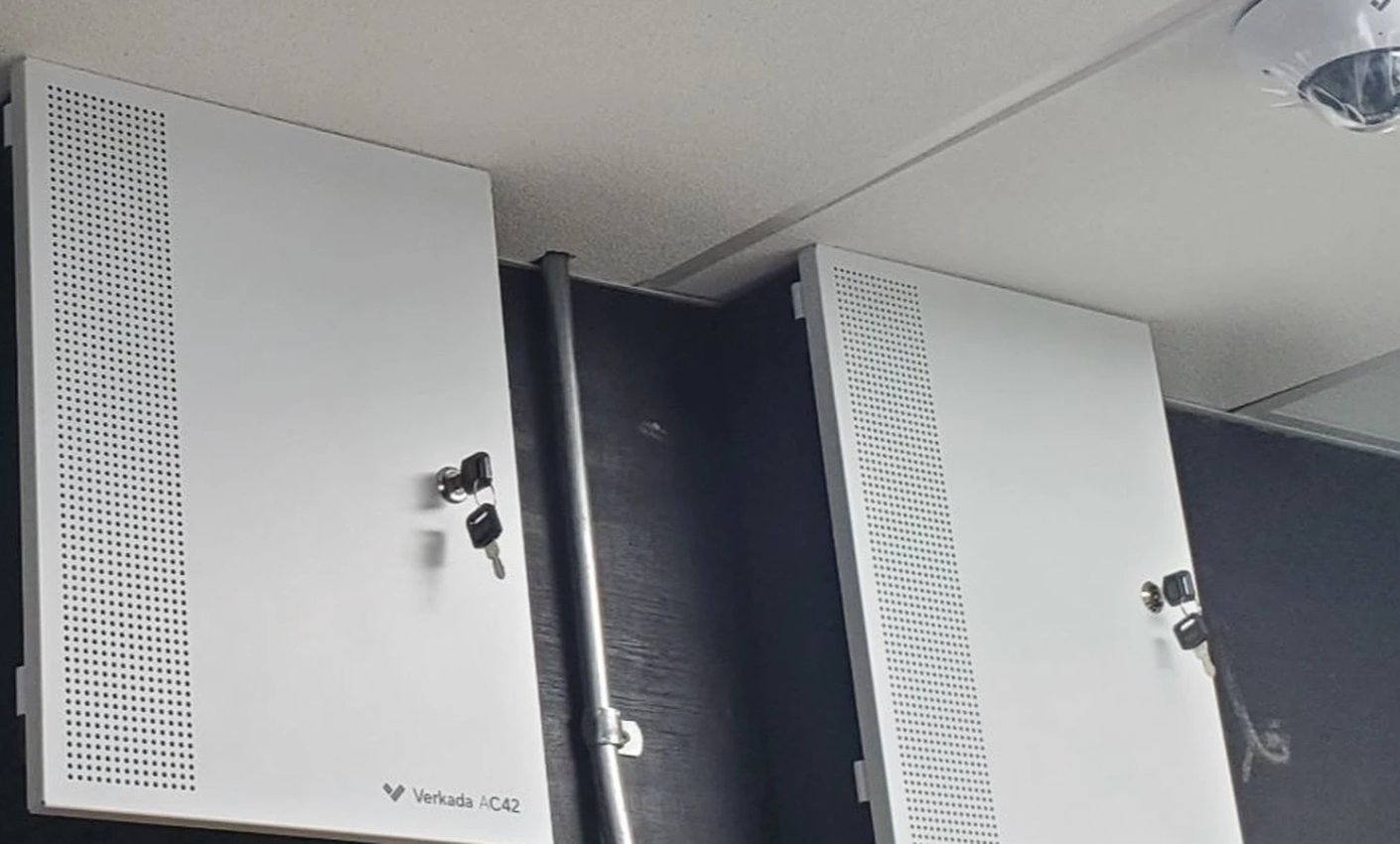
Older access control systems often reach a point where adding users is difficult, replacement cards are hard to source, event history is limited, and one failed controller can leave a property dependent on temporary workarounds. That does not always mean every reader, lock, cable, and door must be replaced.
A practical commercial access control retrofit starts with the property’s real operating needs and the condition of the existing installation. For Miami offices, condominiums, warehouses, retail properties, and mixed-use buildings, the project should improve security and serviceability while keeping doors usable throughout the migration.
Define the retrofit outcome first
Begin with the business problems the new system must solve rather than a preferred equipment brand. Clear operational goals make it easier to decide what can remain, what must change, and how success will be tested.
- Credential management: named users, expiration dates, schedules, rapid revocation, and fewer shared codes.
- Property operations: practical workflows for employees, residents, vendors, cleaners, deliveries, and after-hours access.
- Investigation: accurate event history that can be matched to relevant camera views.
- Administration: secure remote management, defined roles, account recovery, and documented ownership.
- Serviceability: labeled doors, accessible panels, supported components, and a clear path for future expansion.
Separate required outcomes from optional conveniences. Mobile credentials, cloud administration, elevator control, video intercom integration, and visitor workflows can be valuable, but each feature adds dependencies that should be understood before the migration begins.
Survey every controlled opening
Access control is a door system, not only a reader and controller. Each opening must be evaluated as a complete assembly that includes the door, frame, lock, closer, contact, request-to-exit device, reader, power, cable, schedule, and required exit behavior.

Document the normal state of each door and test it mechanically before blaming electronics. A dragging door, weak closer, misaligned latch, damaged hinge, or changing air pressure can create intermittent “access control” complaints even when the credential and controller operate correctly.
Information to capture at each door
- Door name, location, use, traffic level, schedule, and responsible department or property manager.
- Lock type, voltage, current draw, power source, and intended locked or unlocked state during normal operation.
- Reader technology, cable type, door contact, request-to-exit method, and local power components.
- Required behavior during fire alarm, power loss, network loss, controller failure, and emergency operations.
- Nearby camera or intercom coverage used to verify a person, visitor, vehicle, or forced-door event.
Any change affecting egress, fire alarm interfaces, electrified hardware, or required emergency behavior should be coordinated with the approved design, applicable requirements, and qualified trades. A retrofit should preserve compliant exit operation while improving security—not create a new life-safety conflict.
Decide what can be reused
Existing conduit, cable, power supplies, locks, contacts, and enclosures may have useful service life, but reuse should be based on inspection and testing rather than appearance. Every retained component becomes part of the new system’s reliability.
| Component | Possible reason to reuse | Reason to replace or correct |
|---|---|---|
| Door cable | Correct conductors, verified continuity, suitable routing, and accurate labels | Damage, splices, ground faults, insufficient conductors, poor routing, or unknown endpoints |
| Electric lock | Correct operation, acceptable condition, compatible power, and appropriate fail behavior | Wear, misalignment, excessive current, unreliable release, or incompatibility with the approved design |
| Reader | Supported credential technology and compatible interface | Obsolete credentials, insecure shared formats, weather damage, or no migration path |
| Power supply | Known load, serviceable batteries, labeled outputs, and compatible supervision | Unknown capacity, heat damage, repeated faults, aging batteries, or no room for the new design |
| Controller enclosure | Secure, accessible, correctly sized, and well documented | Poor location, crowding, exposed wiring, weak security, water risk, or no service clearance |
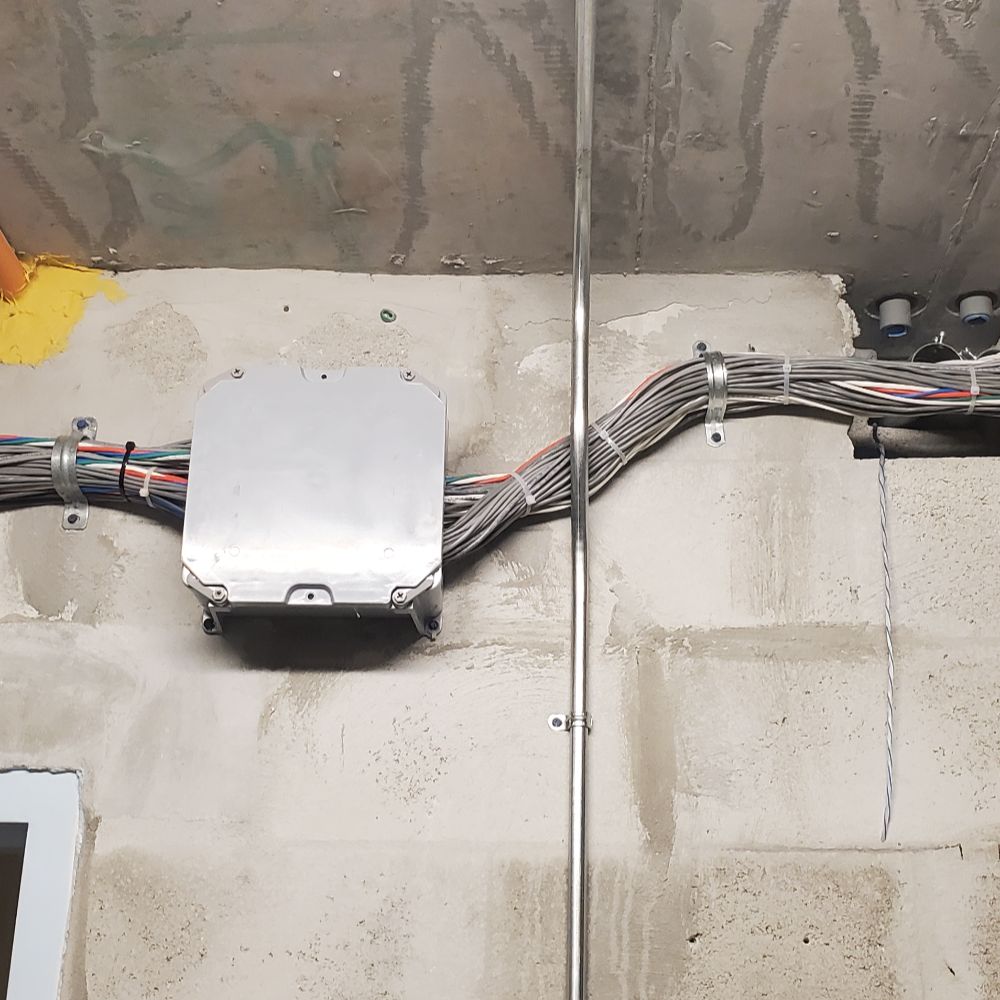
Test and label cable before moving it to a new controller. Verify lock loads and power budgets under real operation. Where legacy reader cable or credential technology limits the new platform, compare the cost of adapters and temporary compatibility against the long-term value of replacing the weak layer.
Modernize controllers and credentials
The controller and credential strategy determine how the property manages users, schedules, events, integrations, and future doors. Choose the architecture only after confirming network, power, account, and migration requirements.
Some properties benefit from centralized panels in secure equipment rooms, while others need distributed controllers closer to doors. The decision should consider cable distance, service access, environmental conditions, network design, outage behavior, available power, expansion capacity, and the customer’s IT policies.


Credential migration deserves its own plan. Decide whether existing cards can be enrolled temporarily, whether new credentials will be issued by phase, how mobile credentials will be supported, and when old credentials will stop working. Named users, approval rules, expiration dates, and rapid revocation are more important than simply choosing card, fob, PIN, biometric, or mobile technology.
Plan a controlled migration
A retrofit should move doors in a documented sequence with a tested fallback for each phase. The property should know which openings are changing, who is affected, and how access will be maintained if a new component or configuration does not perform as expected.
- Build the databasePrepare doors, schedules, access groups, users, administrators, and naming standards before field cutover.
- Pilot a representative doorTest a real opening with the intended lock, reader, request-to-exit device, contact, network, and power behavior.
- Migrate by zoneMove a manageable group of doors, verify operation, and close deficiencies before expanding the cutover.
- Retire legacy accessDisable old credentials and accounts only after authorized users and emergency workflows are confirmed.
Schedule high-impact doors—main entrances, loading areas, resident entries, server rooms, elevators, and gates—with the site contact and any affected trades. Define temporary key control, guard procedures, approved unlocked periods, and after-hours support before work starts, not after a door becomes unavailable.
Protect the opening and closing workflow
Coordinate employee credentials, delivery access, management rights, alarm schedules, and the doors used before and after public hours.
Separate resident, staff, and vendor migration
Plan credential distribution, elevator permissions, amenity schedules, management access, and phased support for a larger user population.
Commission and document the system
Installation is not complete when a new reader accepts a credential. Commissioning must prove that every opening, event, user role, integration, backup condition, and recovery workflow performs as designed.
- Test granted and denied credentials, schedules, expiration dates, and access groups.
- Verify door contact, request-to-exit, held-open, forced-door, lock release, and relock timing.
- Confirm fire alarm or emergency interfaces according to the approved scope and qualified testing process.
- Match controller and access-event time to the corresponding security camera timeline.
- Test network-loss and power-loss behavior, backup batteries, alert delivery, and return to normal operation.
- Verify named administrator roles, multifactor authentication where supported, account recovery, and removal of temporary installer access.
- Deliver door schedules, labels, panel records, user instructions, warranties, and an as-built system inventory.
Finish with training for the people who will actually add users, change schedules, investigate events, and request service. A maintenance plan should cover door hardware, readers, controllers, batteries, network dependencies, user reviews, event retrieval, and documentation updates as the property changes.
Frequently asked questions
These are the questions property managers and business owners most often ask when deciding whether to retrofit an existing access control system.
Can existing access-control wiring be reused?
Often, but only after the cable type, route, condition, conductors, continuity, labeling, and compatibility are verified. Unknown splices, damaged cable, poor routing, ground faults, or insufficient conductors may make replacement more reliable than adapting the old path.
Do all readers and locks need to be replaced?
Not automatically. Readers may be reusable when their credential technology and interface are supported, while locks may remain when they are mechanically sound, electrically compatible, and appropriate for the approved door behavior. Each retained component should be tested as part of the complete opening.
Can the old and new systems operate during the same project?
A phased migration can keep portions of the legacy system active while tested doors move to the new platform. The design must prevent conflicting control, define temporary credentials and key procedures, and document which system owns each opening at every stage.
Are mobile credentials better than cards or fobs?
Mobile credentials can simplify issuance and revocation for some organizations, but they introduce phone compatibility, app, account, connectivity, privacy, and support considerations. Many properties use a mixed credential strategy based on user type and operating needs.
How long does a commercial access control retrofit take?
Duration depends on the number and condition of doors, wiring, lock corrections, controller locations, credential migration, network readiness, integrations, permit or coordination requirements, and the hours when cutover work is allowed. A door-by-door survey is needed before a responsible schedule can be set.
Upgrade the system without guessing what can stay
Security Install US / System64 can survey existing doors, wiring, controllers, credentials, and operating workflows, then build a phased retrofit plan for Miami-area commercial and managed properties.

We design and install cameras, access control, intercoms, and gates for homes and businesses in Miami-Dade. This article comes from the same site surveys we run on driveways, restaurants, and offices — not from a generic kit list.
About the team